9. Integrations
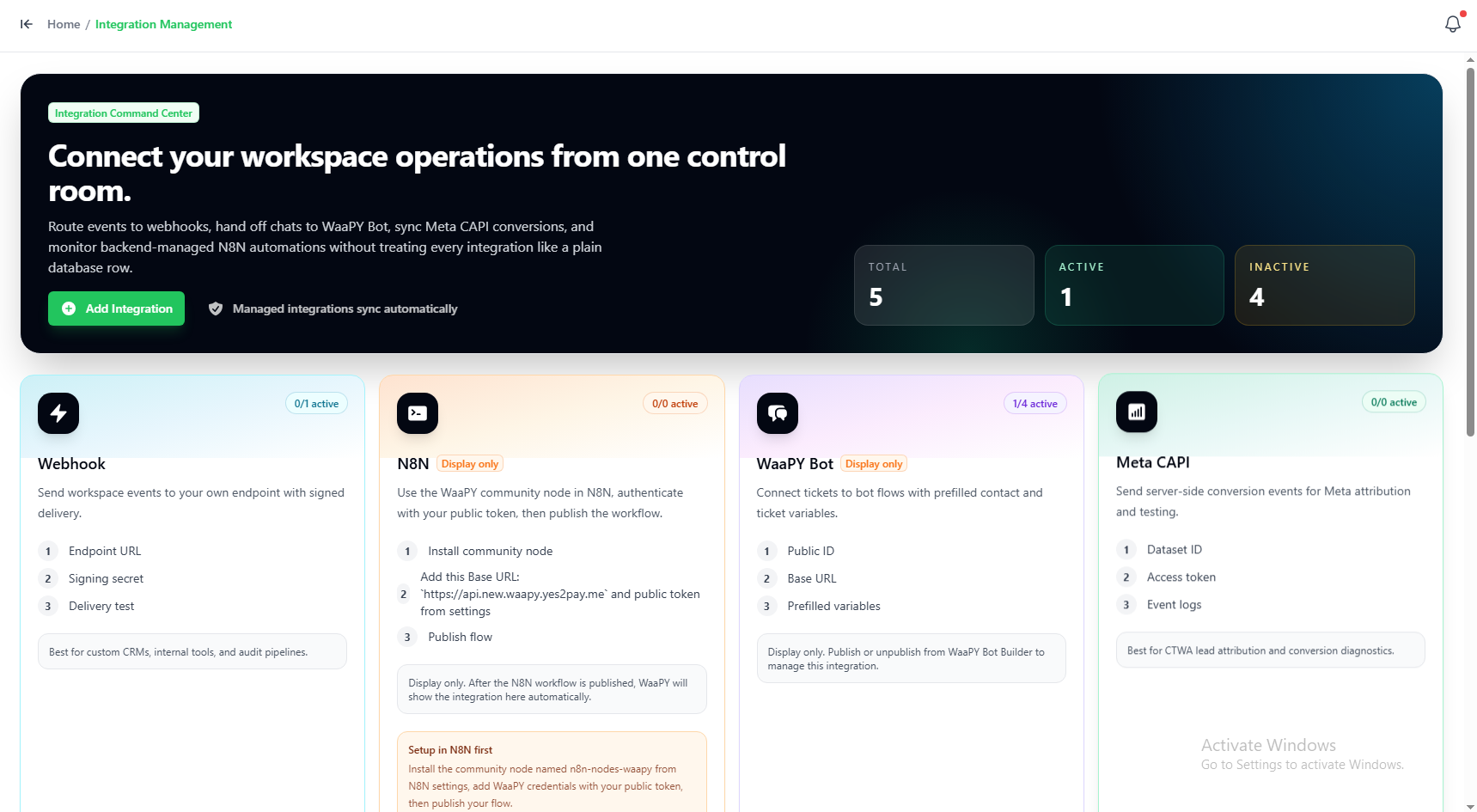
1. How to Add a New Integration
- Go to the Integration Management page.
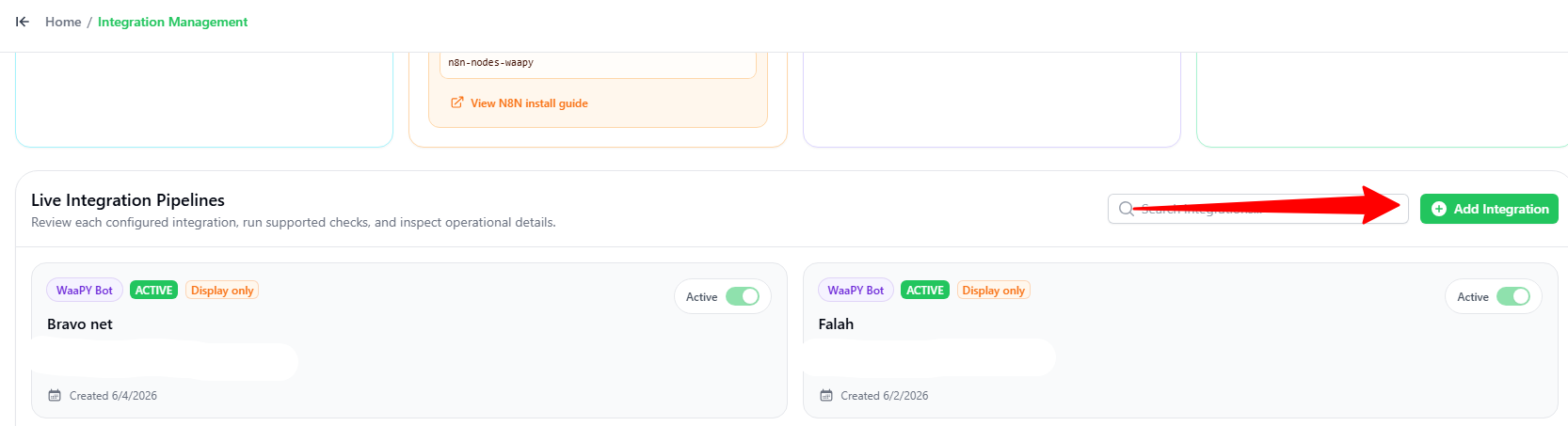
- Scroll down and click the green + Add Integration button.
2. Choosing the Integration Type
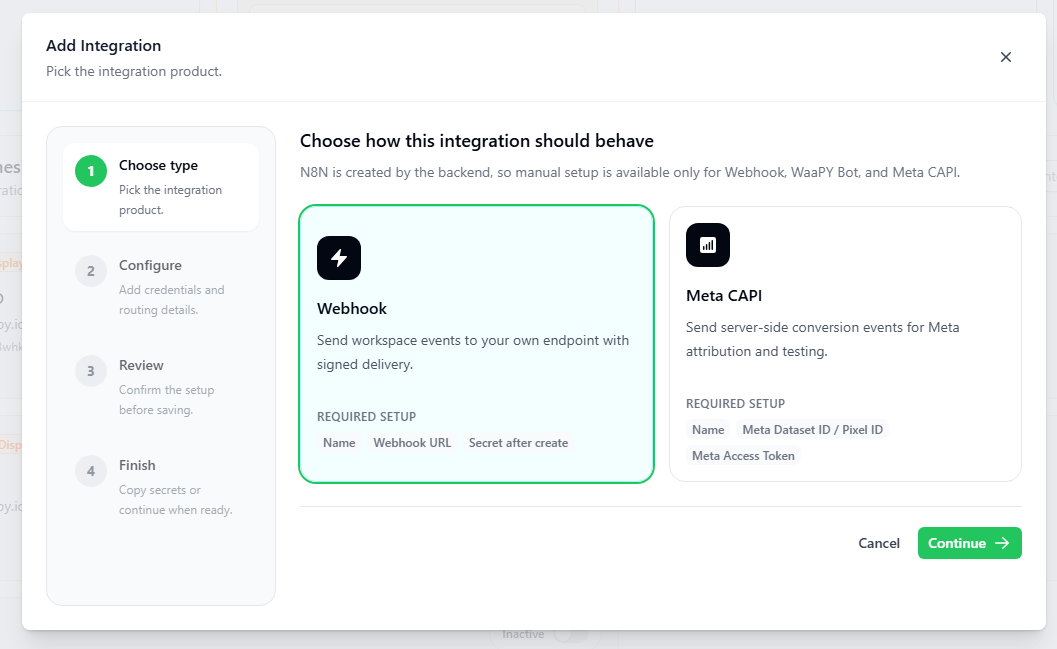
In the Add Integration popup (Step 1):
- Choose the service you want to add (e.g., Webhook or Meta CAPI).
- Click the green Continue button.
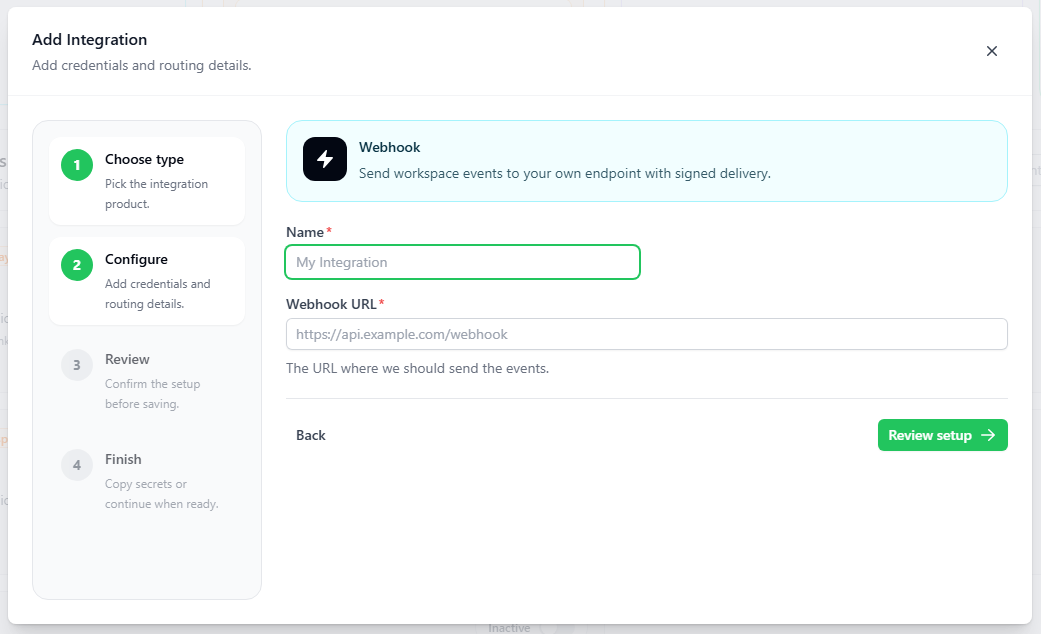
3. Configuring the Settings
In the Configuration popup (Step 2):
- Name: Type a name for your integration.
- Details:
- For Webhook: Enter your Webhook URL (the link where system events will be sent).
- For Meta CAPI: Enter your Meta Dataset ID / Pixel ID and Meta Access Token.
- Follow the remaining steps (Review and Finish) to save and activate your integration.