2. Connections
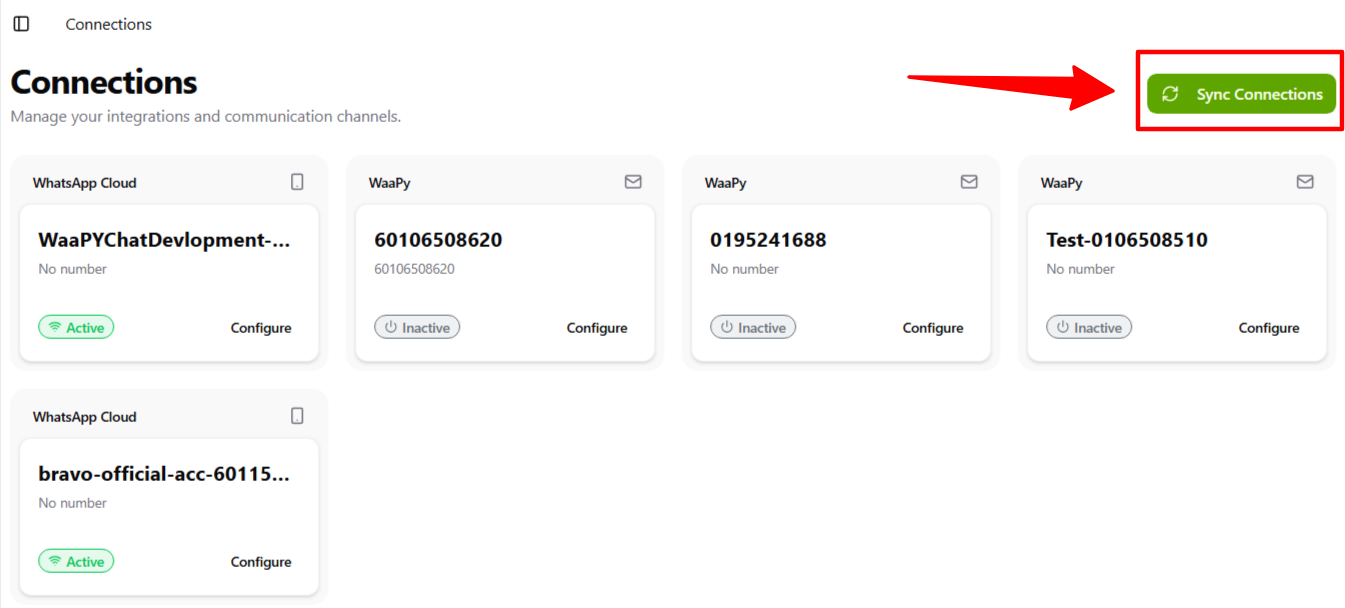
This is the Connection page in Waapy Outreach, showing the same connections as in Waapy Chat.
1. You can see a list of all connections available in Outreach.
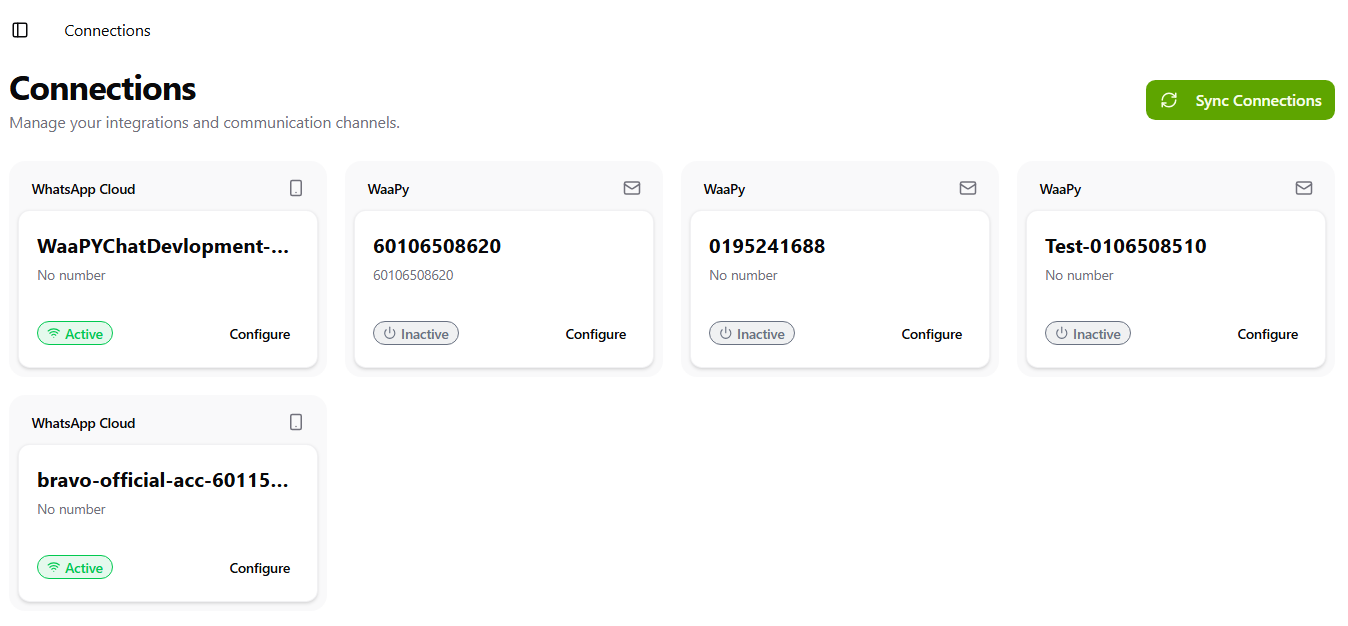
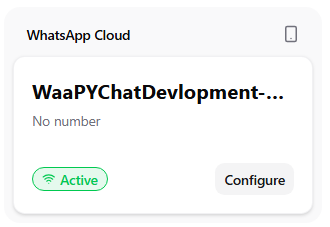
2. You can check whether a connection is active or inactive.
3. Click Configure to go to the settings for that connection.
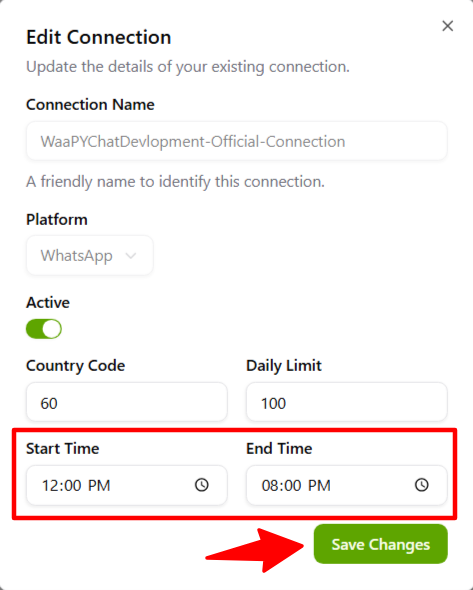
4. You can set the start and end time for the connection.
5. Once you finish configuring the connection, click Save Changes.
6. If you add a new connection in Waapy Chat, click Sync Connection to sync all connections.