12. Queues
Queues are the grouping of chat tickets. You may group your tickets based on service category, department or branches.
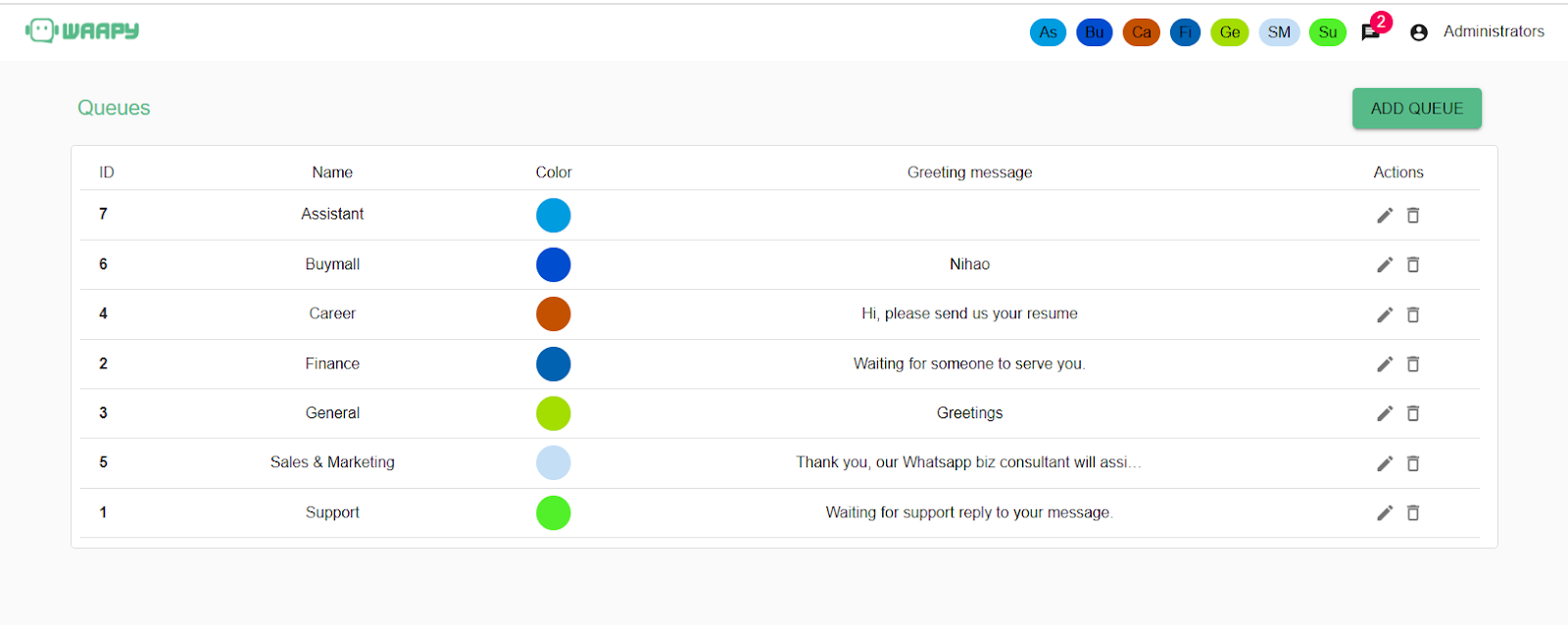
- To add chat queue, click on the “ADD QUEUE” button on the top-right corner.
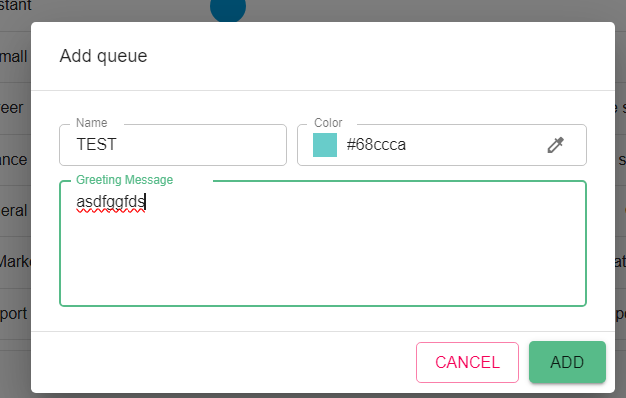
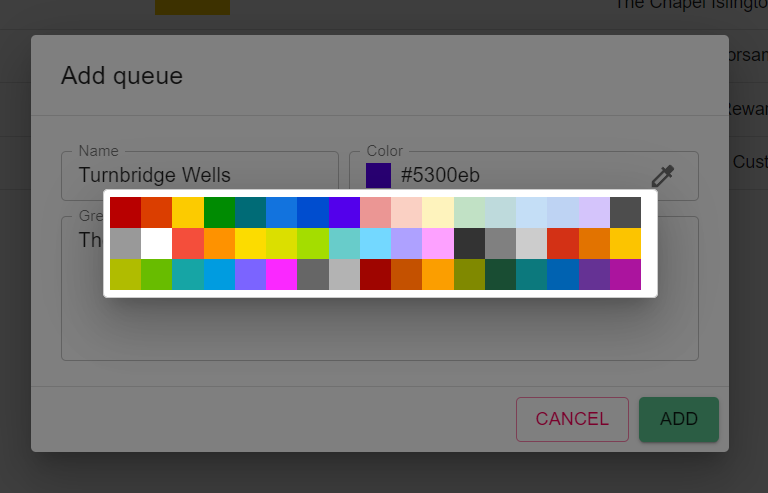
- Key-in the name and pick a color using the color picker and set a default auto response message to be sent when a new ticket is received for the chat queue.
- User not assigned to a chat queue cannot view the tickets designated for the queue. Example, when a user is not assigned the right to view chat queue for Horsam branch, the user will not be able to see any ticket assigned to the Horsam branch chat queue.