5. Labels
https://drive.google.com/file/d/138LMCJn6-D4cYecKmSFDH_5Mv22eImH9/view?usp=sharing
- You can add a label in the Labels tab.
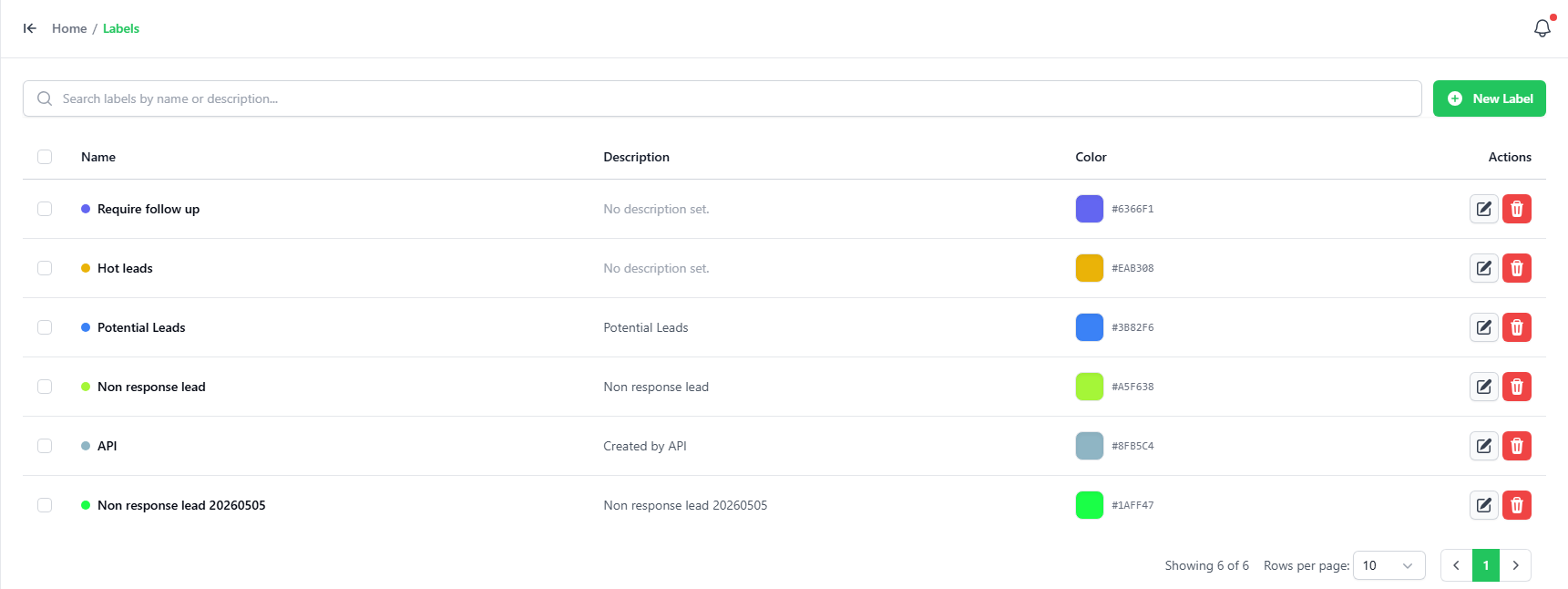
- To add a new label, click on the “ADD LABEL” button on the top-right corner.
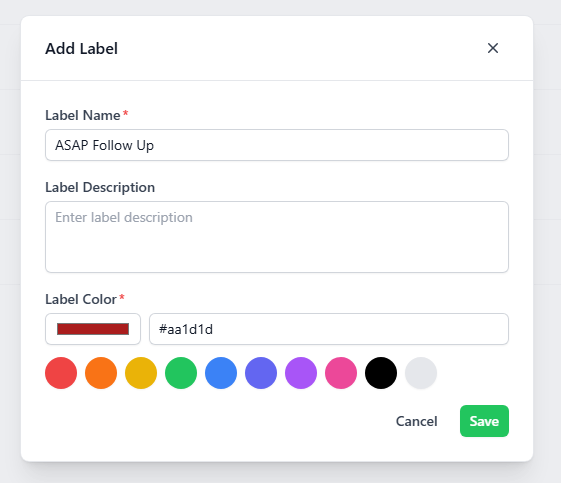
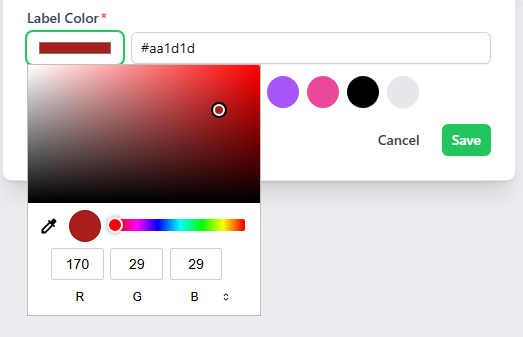
- Key-in the name, description and pick a color using the color picker for the new label.