
Follow Up Function
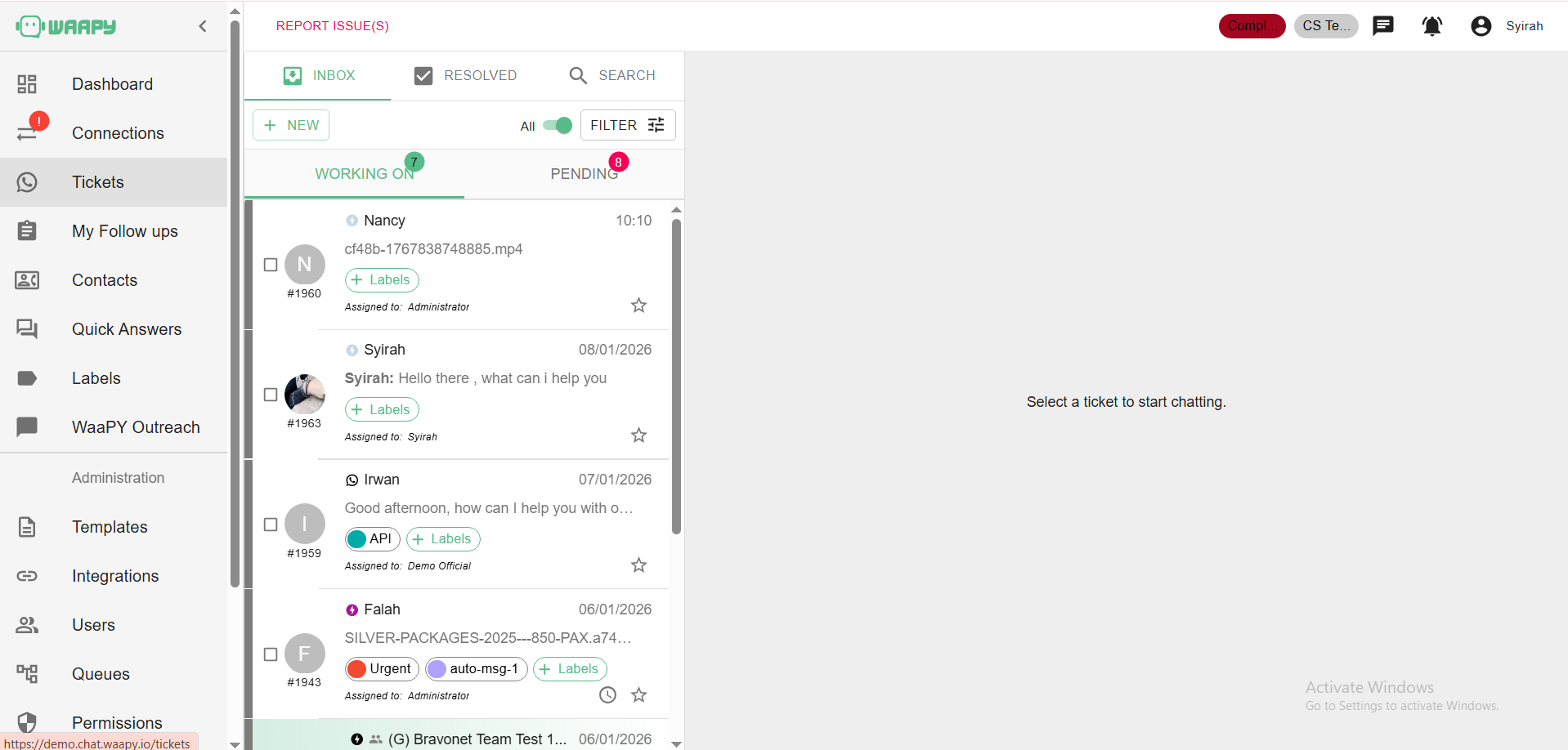
1. Open any tickets you like.
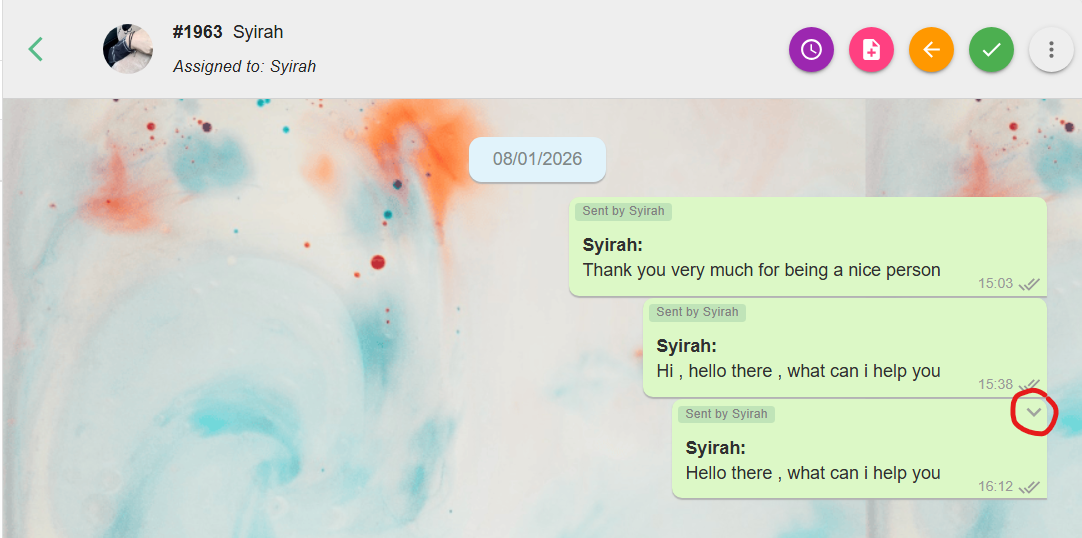
2. Hover over the chat message you want to follow up on.
3. Click the little arrow that pops up → then choose Assign for Follow Up.
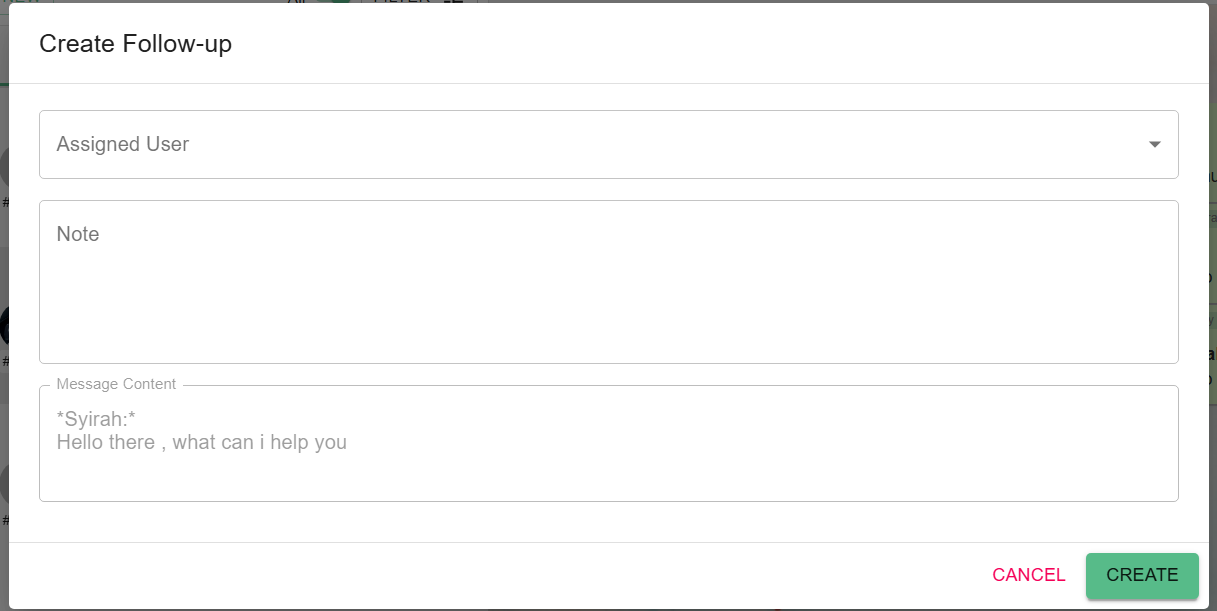
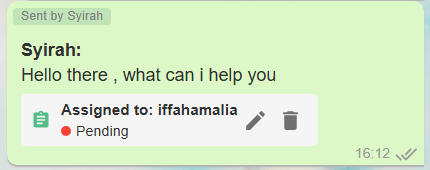
4. Fill in the form and pick which user to assign it to plus you can add any notes you want to them.
5. Hit the Create button. Done
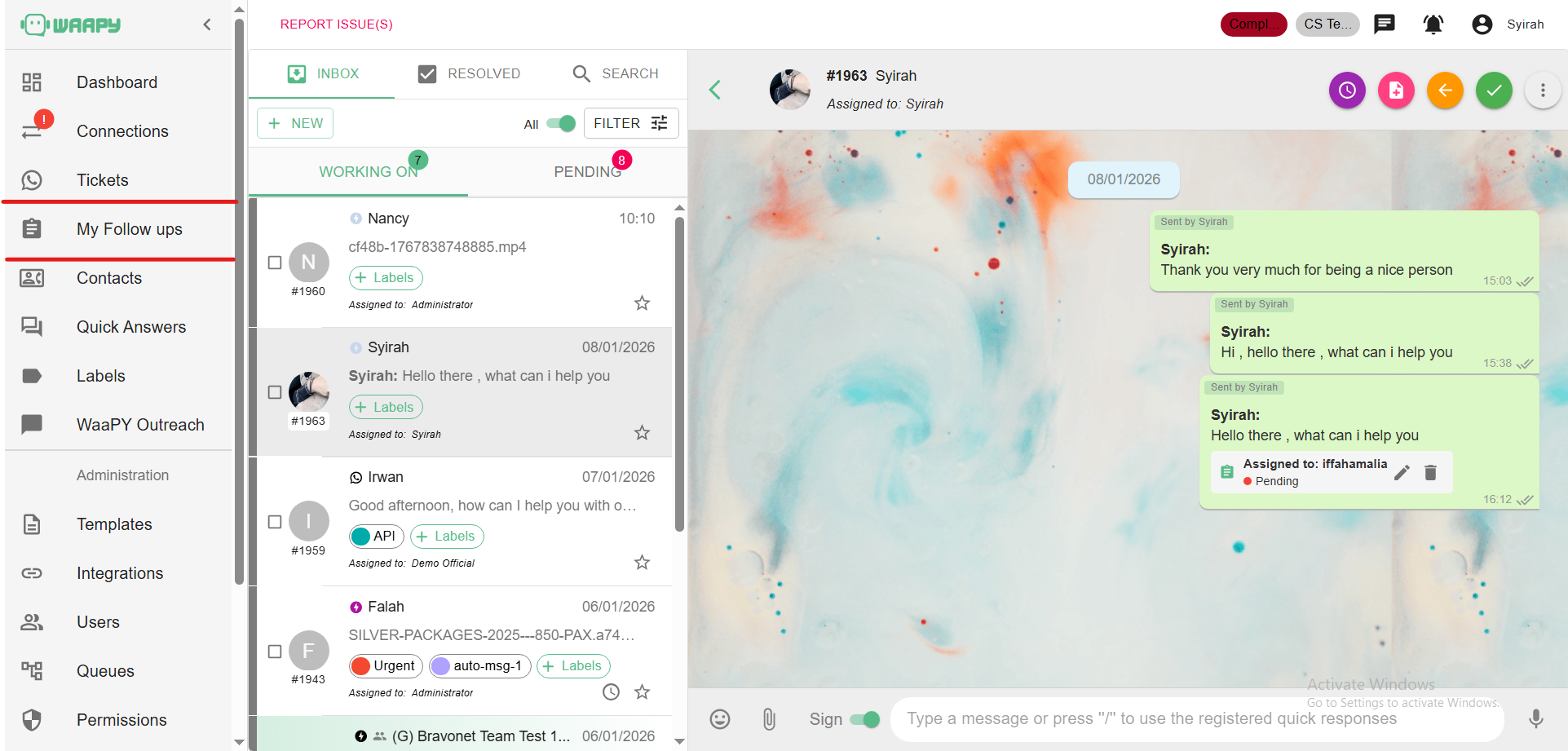
6. You can always check everything later in My Follow Ups on the left sidebar.