
3. Contacts
How to add Contact in Outreach ?
Step 1 :
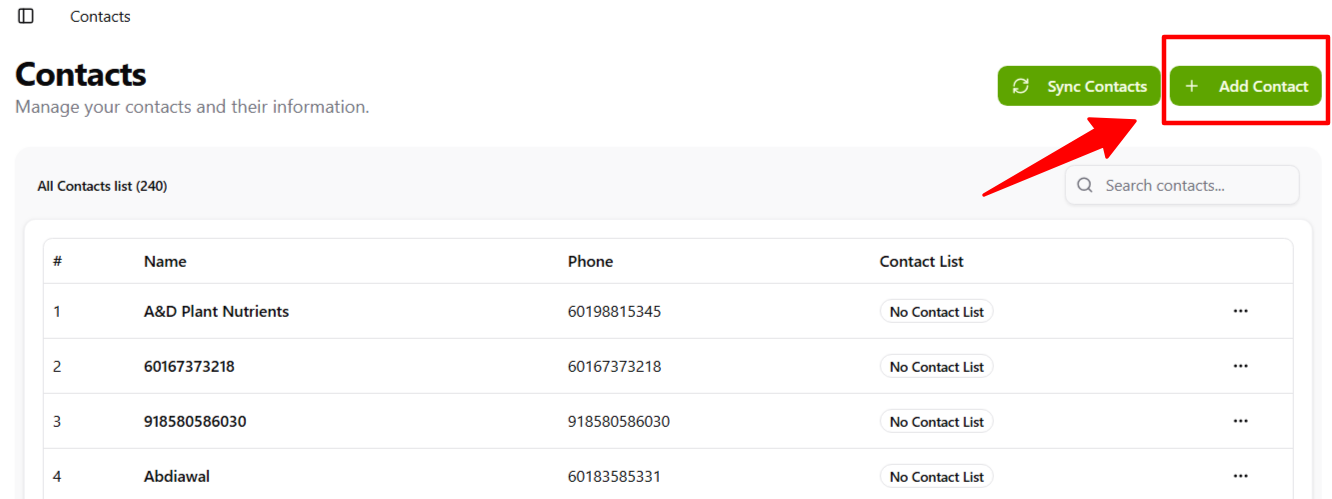
Tap the Add Contact button at the top right.
Step 2 :
Fill in the form by entering the name and phone number.
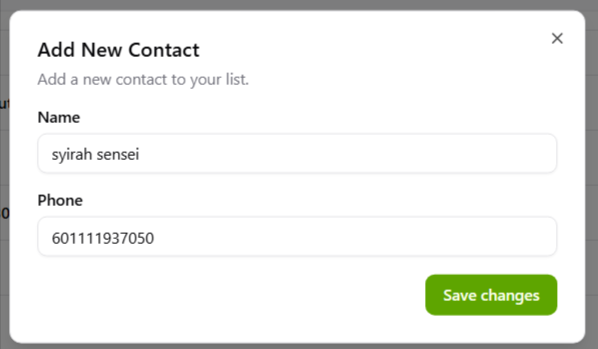
Press Save Changes once you’ve finished filling it out.
Step 3 :
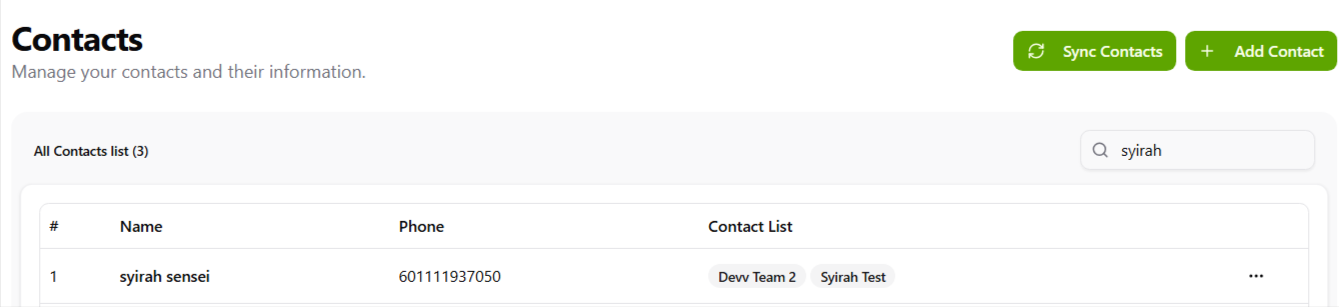
You can now see the contact you added in the All Contacts list.
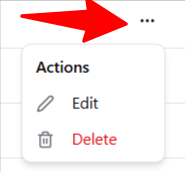
- You can edit an existing contact to change the name or phone number, just like when you add a new contact.
- You can also delete an existing contact if needed.