8. Templates
Template Pages : https://explain.bravonet.dev/s/trra6qkgp0a612z
- Sync the templates from the meta side by clicking the “SYNC TEMPLATES” button.
- You can open or close the templates at the actions so that it can use or cannot use the templates.
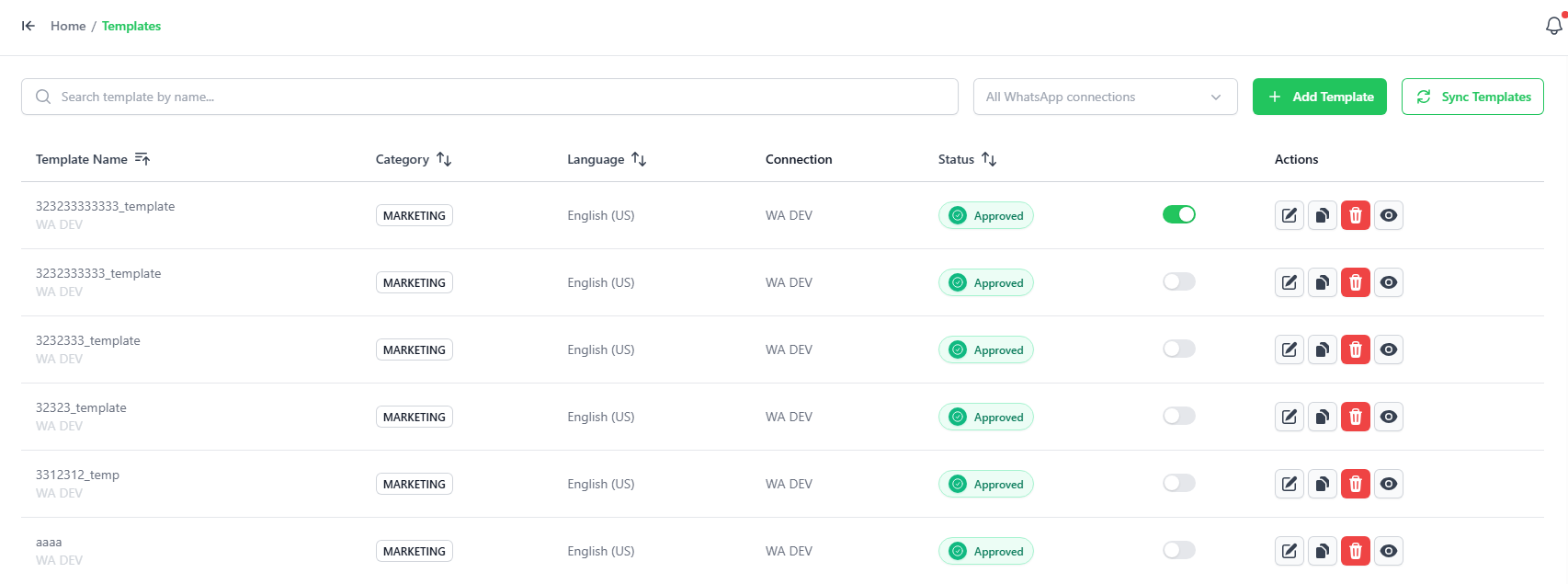
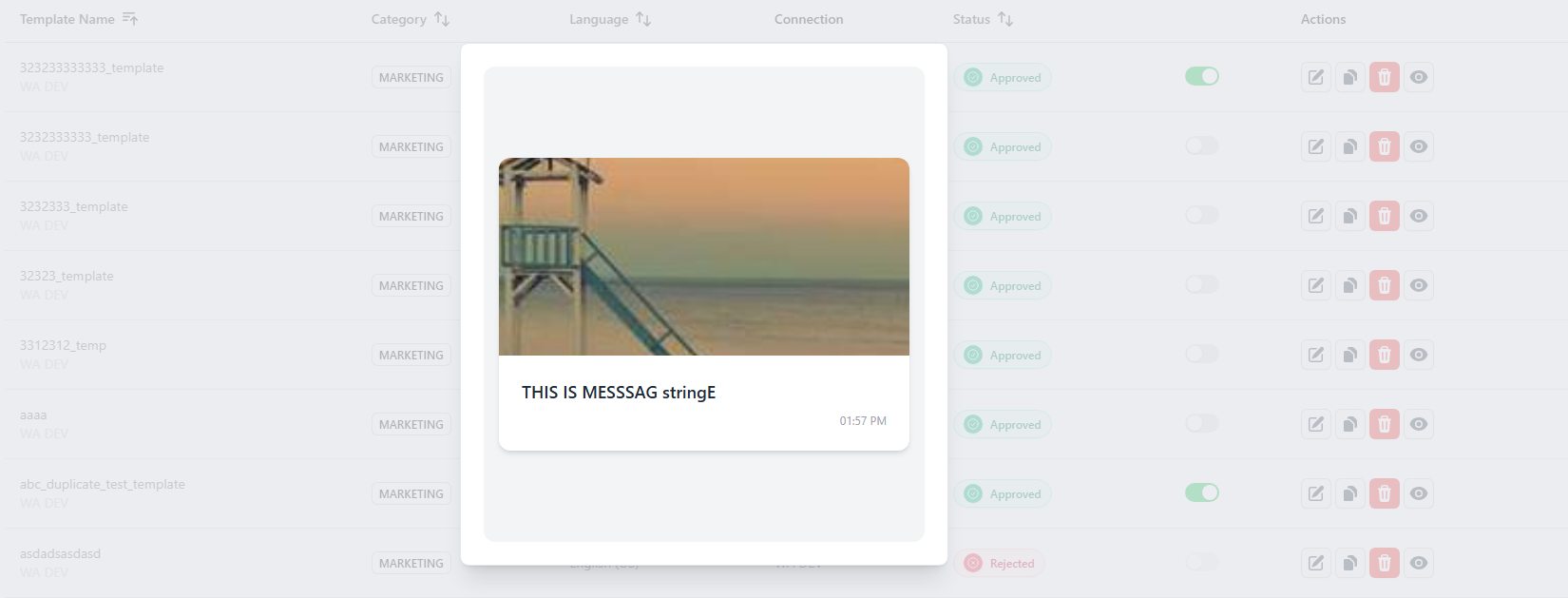
Click on the eye icon to preview the templates.
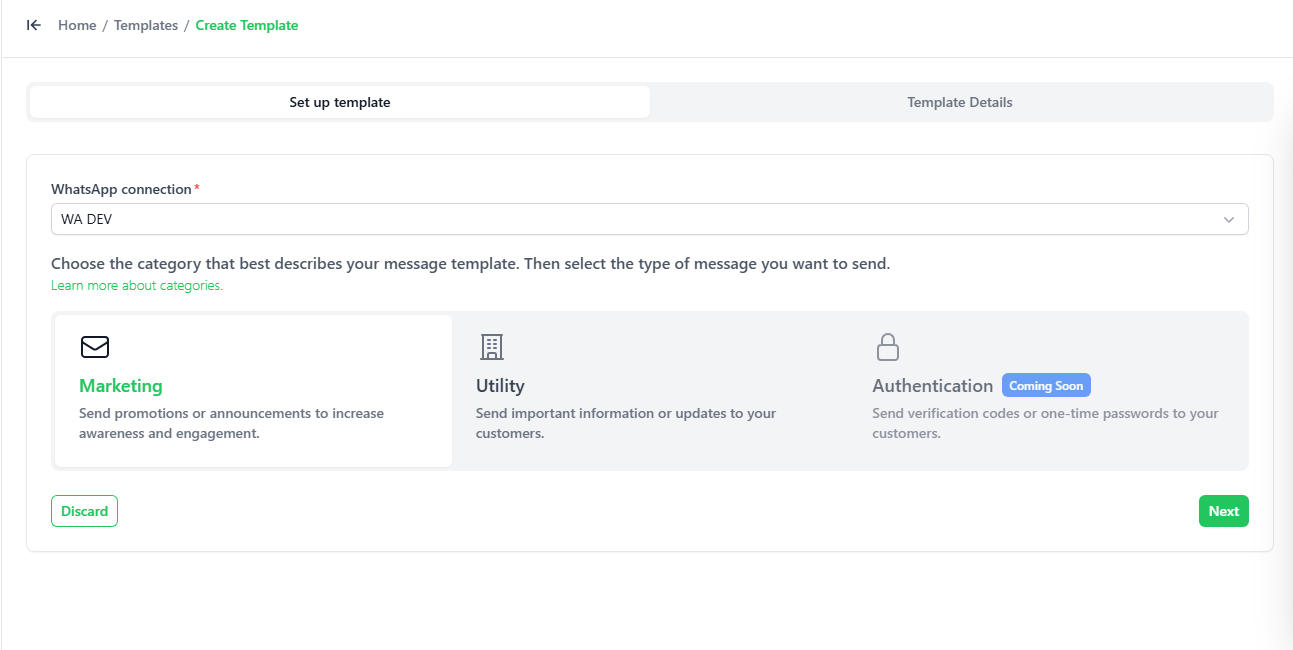
- You can add templates by clicking "Add Template
- Marketing → For promotions, offers, and announcements.
- Utility → For updates like orders, reminders, and notifications.
- Authentication → For OTP or verification messages.