6. i) Official Connections
This function is to link the web application to one or more WhatsApp accounts. The platform is designed to work with both WhatsApp Web as well as WhatsApp Business APIs. Please contact us should you need more information on the different systems available in the WhatsApp ecosystem.
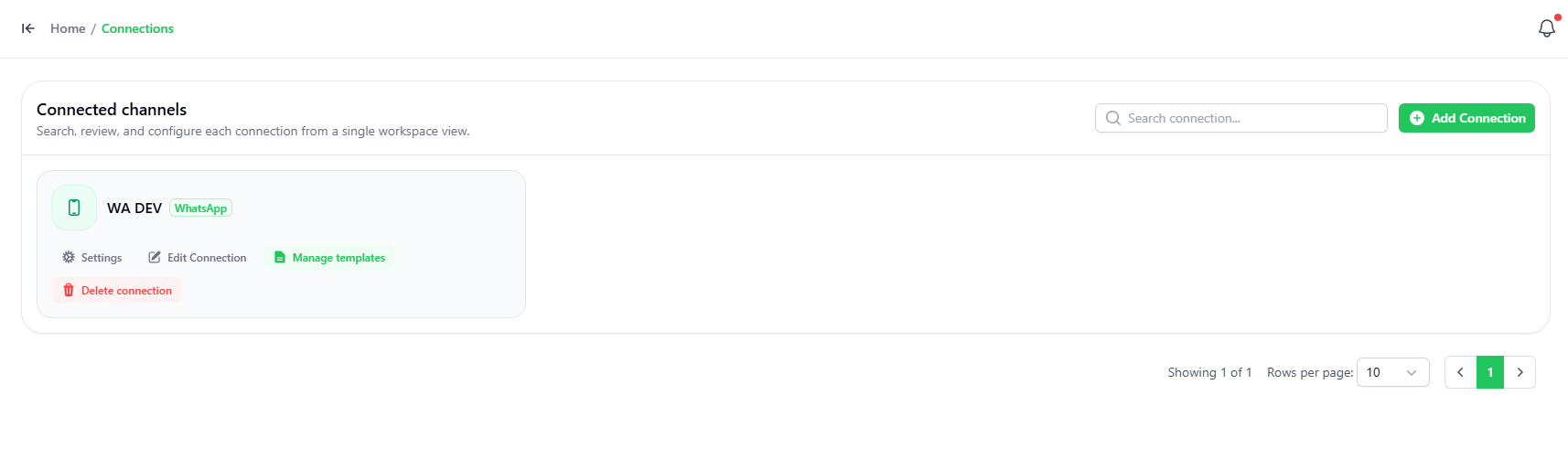
Official Connection
- To add a connection, click the “ADD Connection” button on the top right-hand corner.
- Choose if you want a manual WhatsApp connection, or META Official Connection.
If the chosen connection is the manual Meta Connection, You can see follow the video given on the screen here, starting from min 1:12:
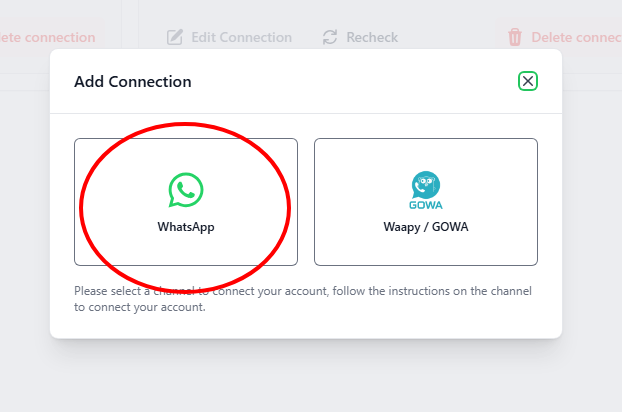
Step 1: Open Waapy
Go to:
Connection→ Add Connection
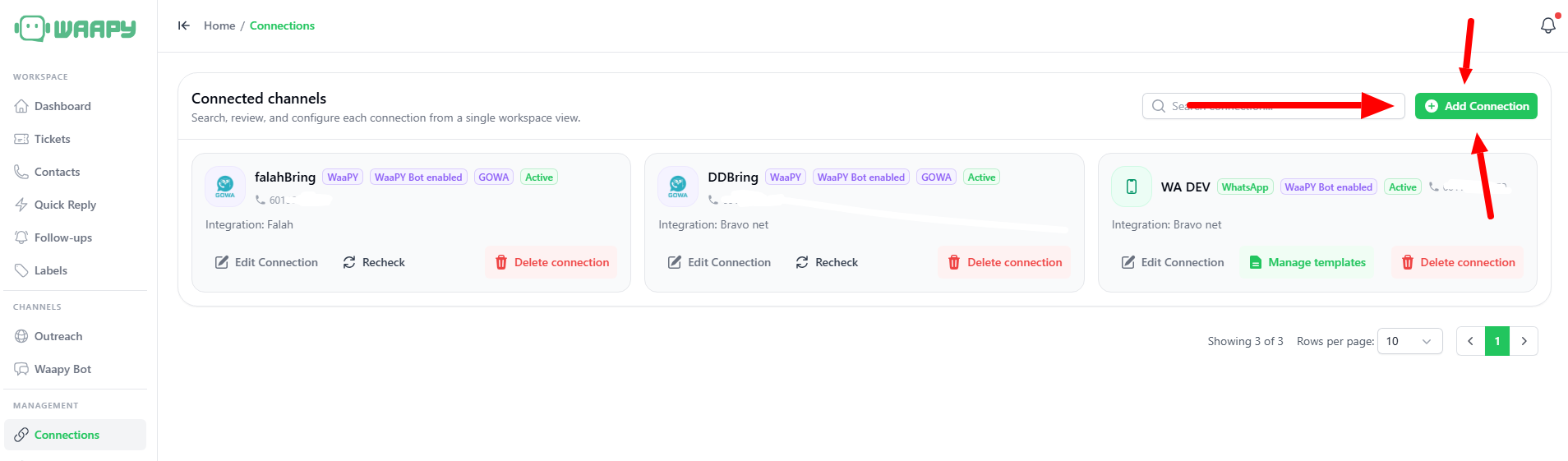
Select WhatsApp
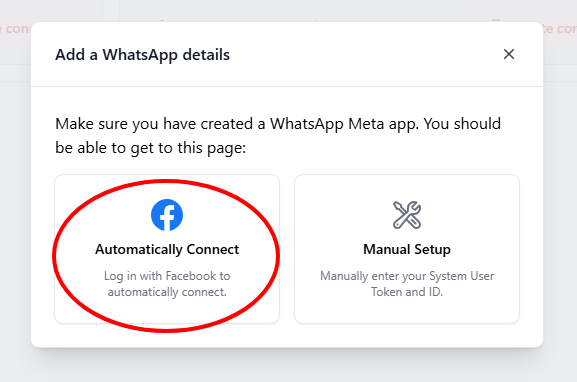
Step 2: Click automatically connect
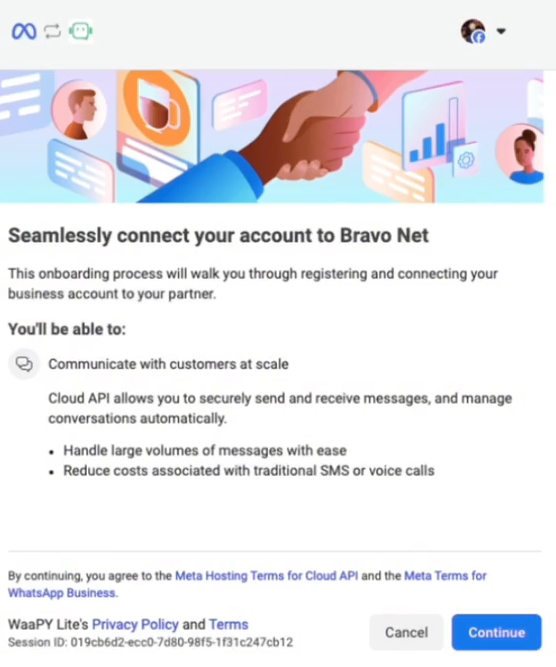
Step 3: Click continue
Your Business will popup here. Click continue
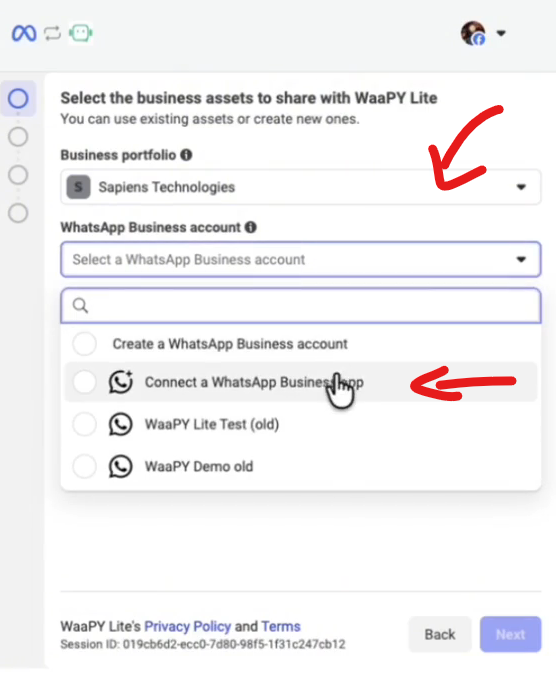
Step 4: WhatsApp Connection
- Select your business on Business Portfolio
- Click on WhatsApp Business Account
- Click Connect a WhatsApp Business App
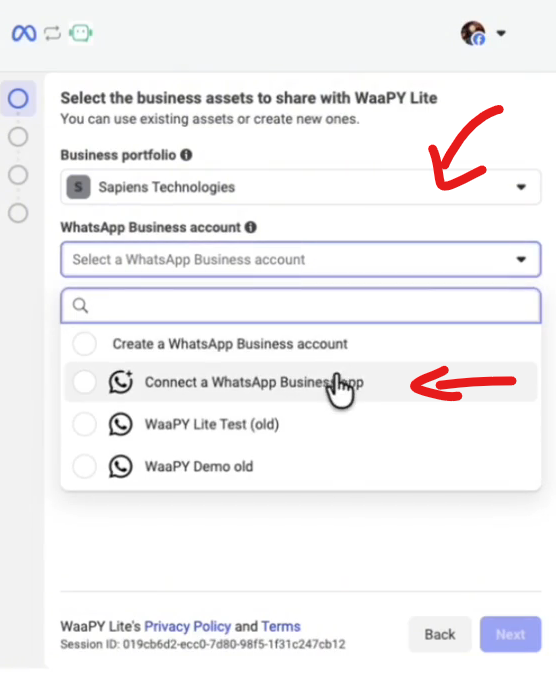
Step 5: Phone Number
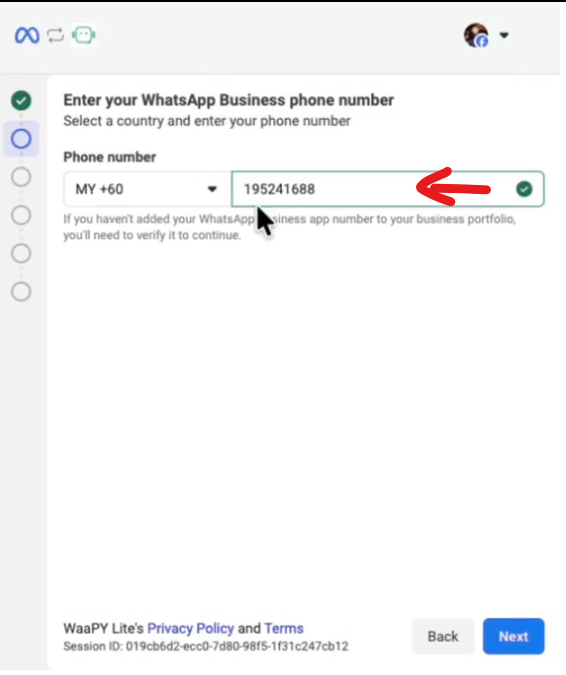
- Key in your business phone number
- Click Next, and a QR Should appear
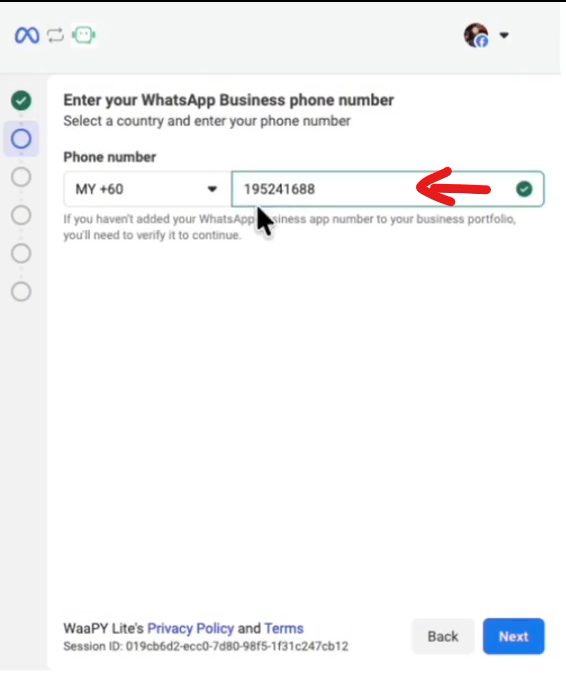
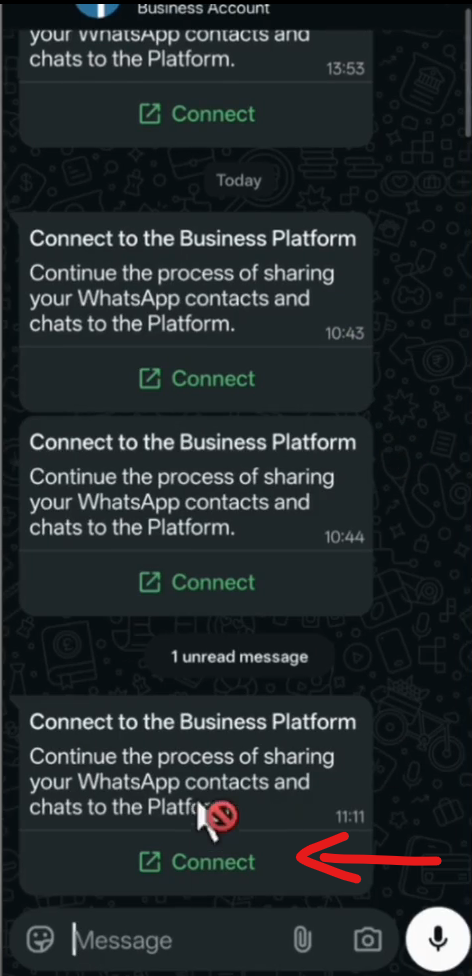
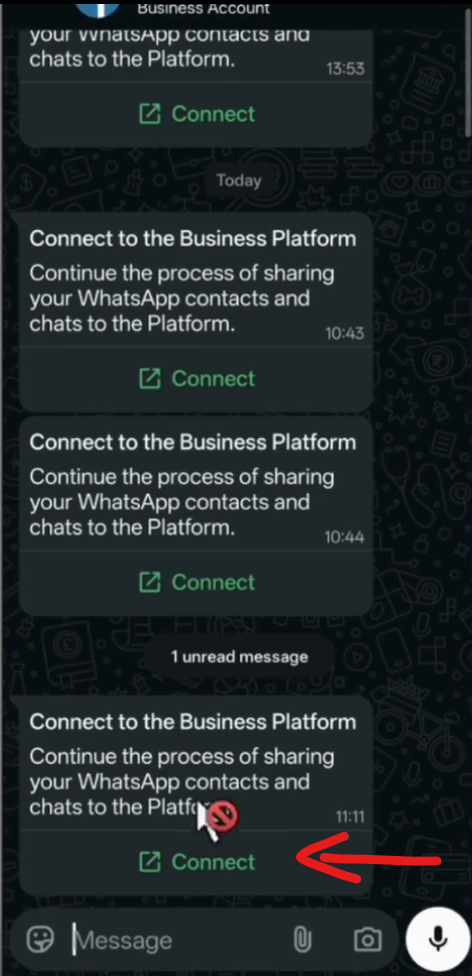
Step 6: Go to WhatsApp Business app
- Click The Facebook Business Chat
- Click Connect
- Scan the QR code
- Click Select ALL Chats
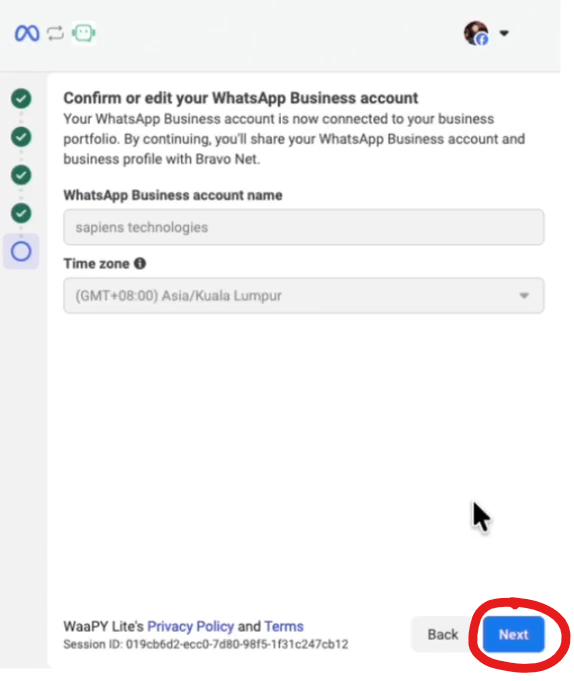
Step 7: Reconfirm your business details
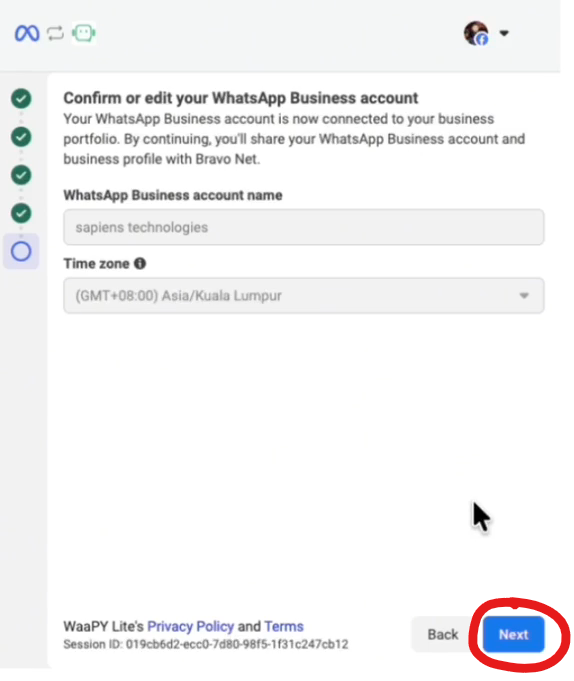
- Check your business details and time, Click NEXT
- Check your business info, etc, Click NEXT
- Click NEXT until you are successfully Connected
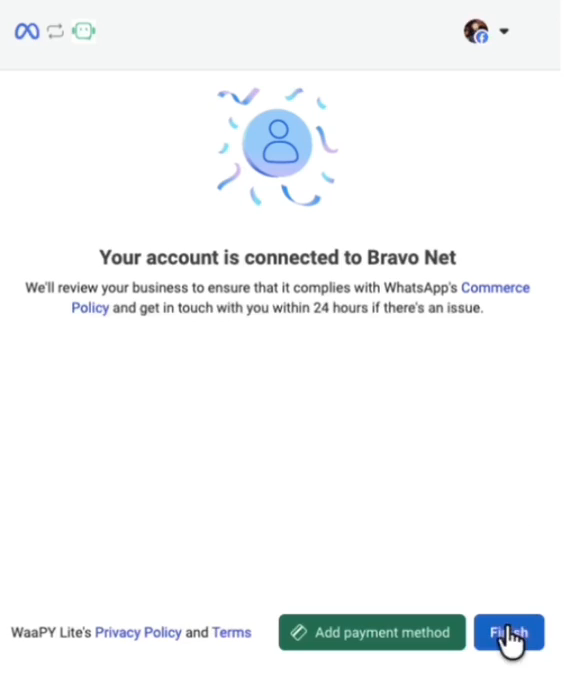
Step 8: Add Payment Method/Finish
- You can either add on payment method for your official connection
- If you have added the payment method, just click on finish
- Wait until WaaPY Page refresh itself