3. Contacts
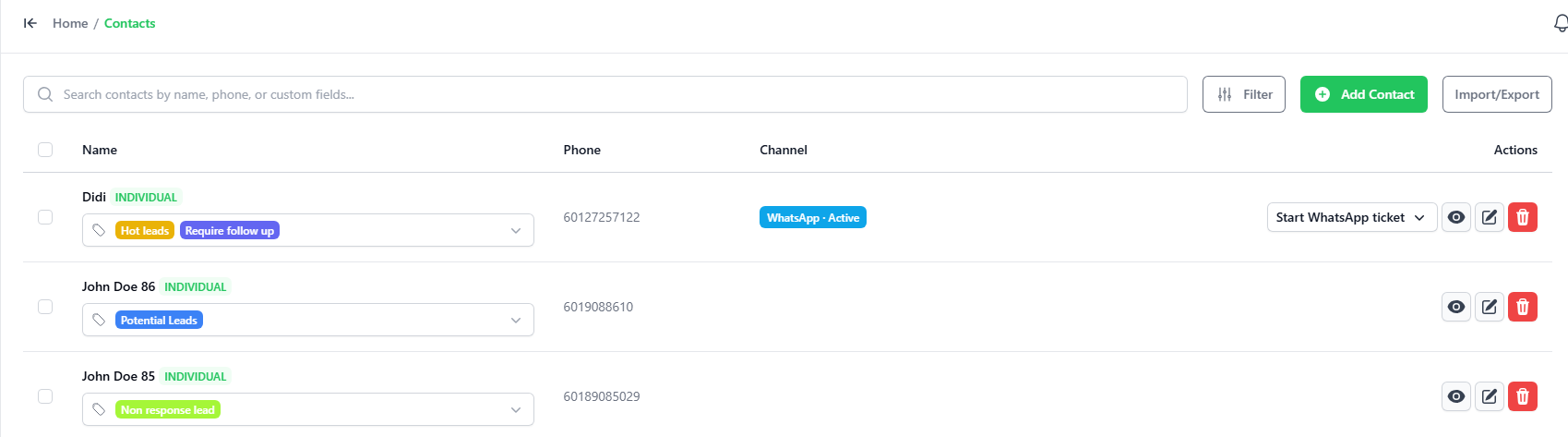
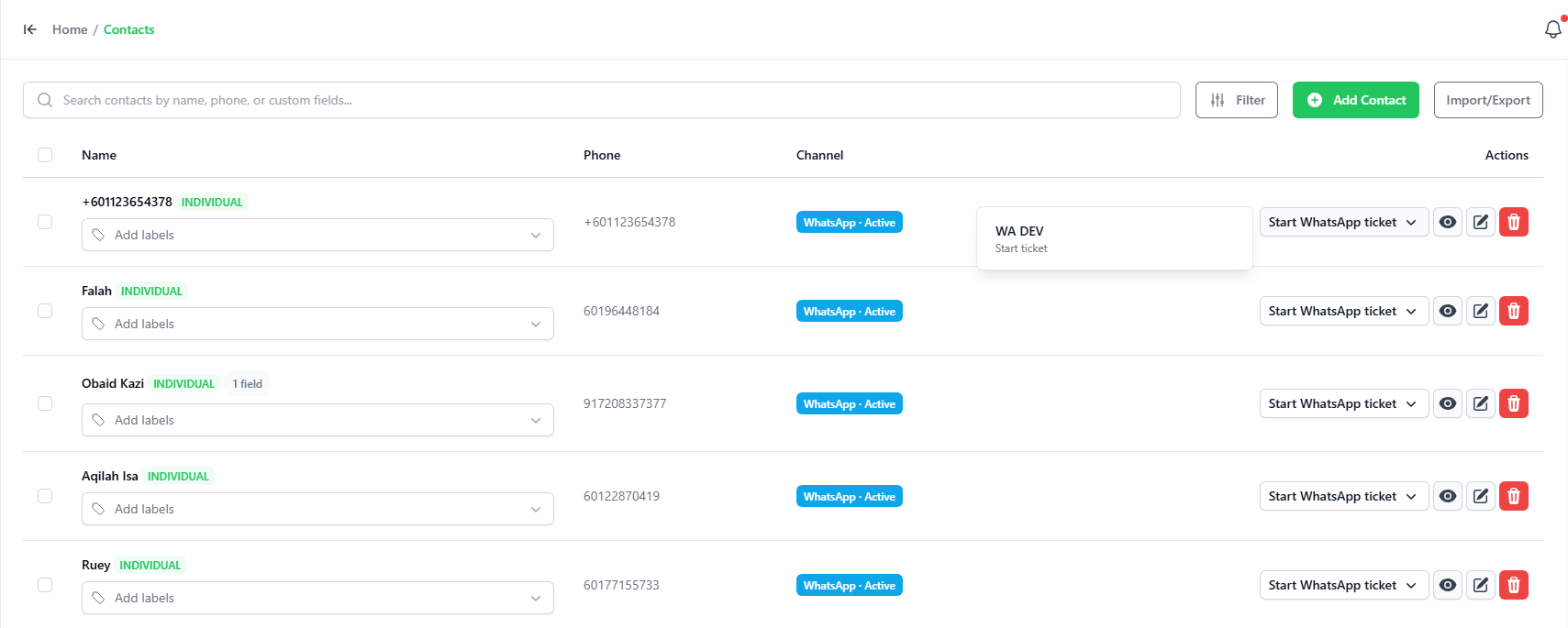
This is the user interface to manage contacts on the platform. You may add contact by:
- IMPORT / EXPORT – sync all contacts from the WhatsApp account to this web application or export the contact out.
- Add – manually add a contact using the user interface.
This is the user interface to manage contacts on the platform. You may add contact by:
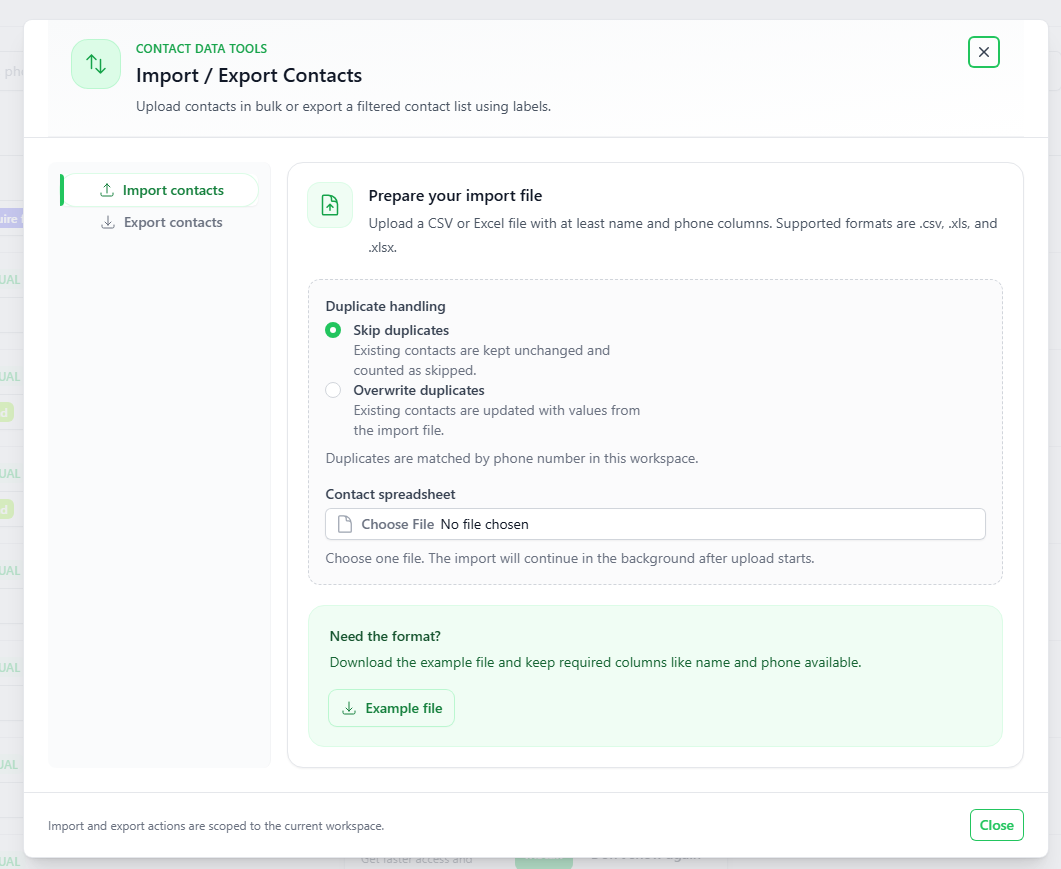
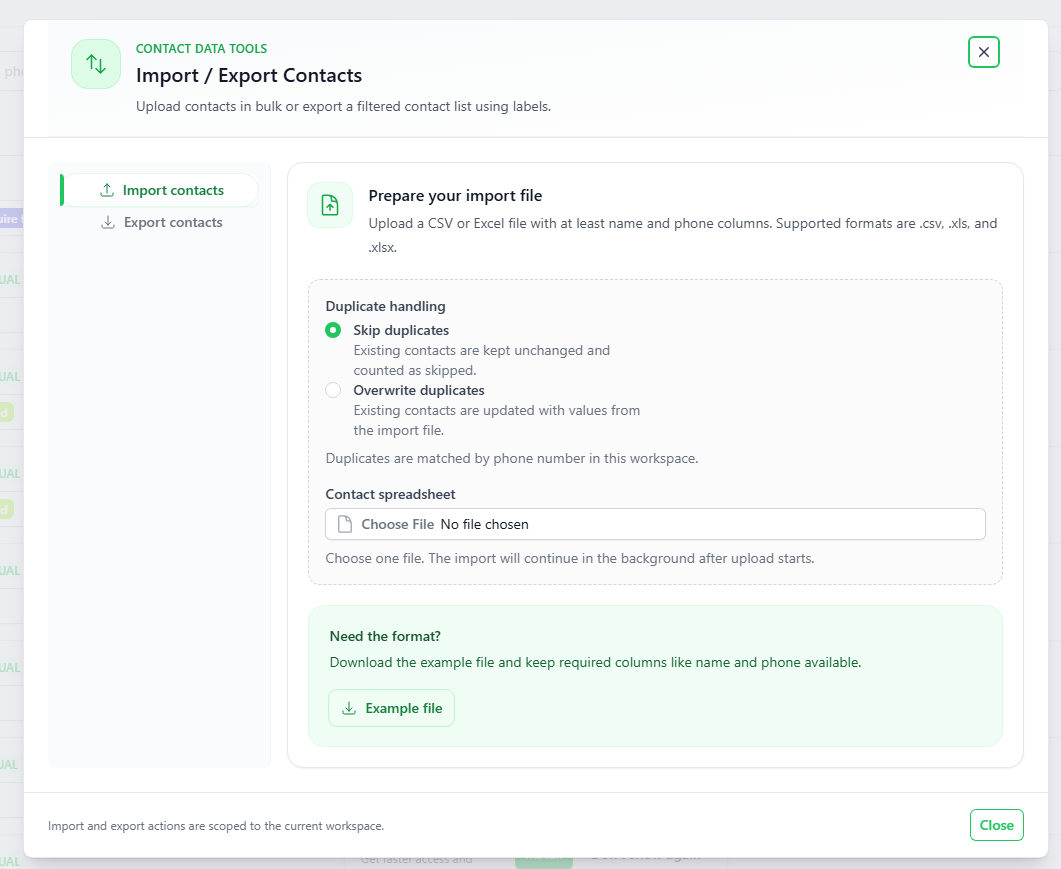
There is a import method, it is imported by file
You may download a sample import file when clicked on the IMPORT FILE button.
- You may search for a contact using the “Search” function
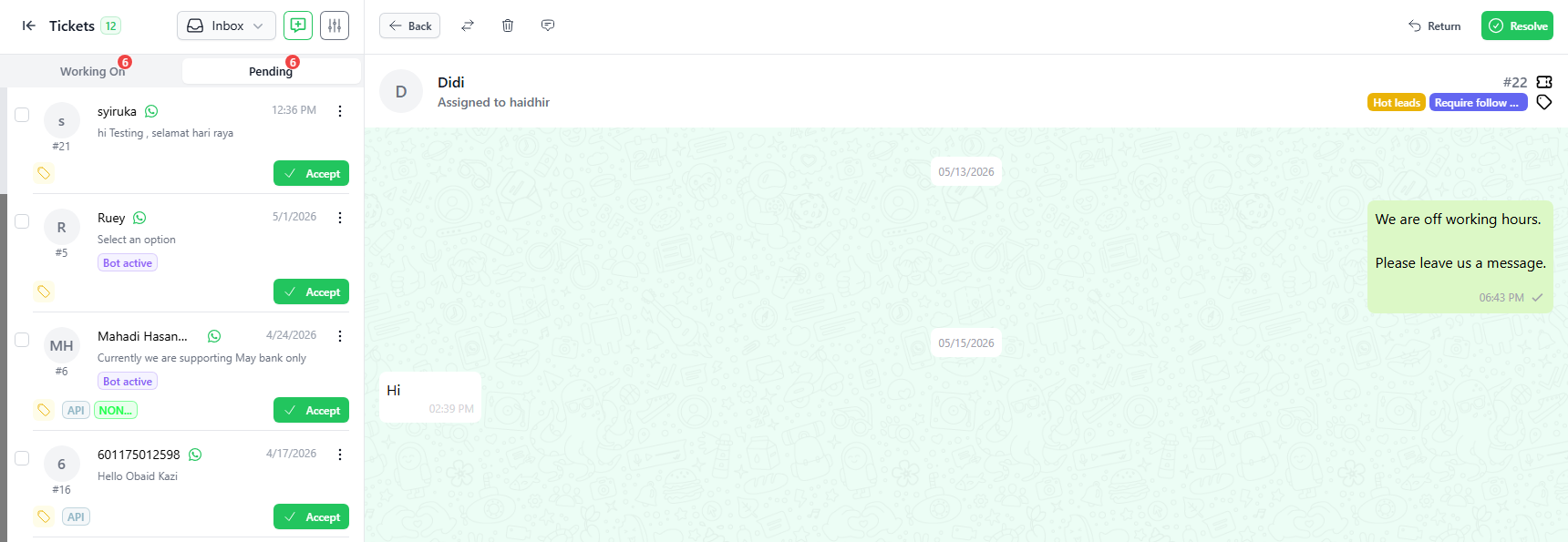
- Clicking on the Starts WhatsApp Ticket button on the Action column will launch a new chat with the contact.
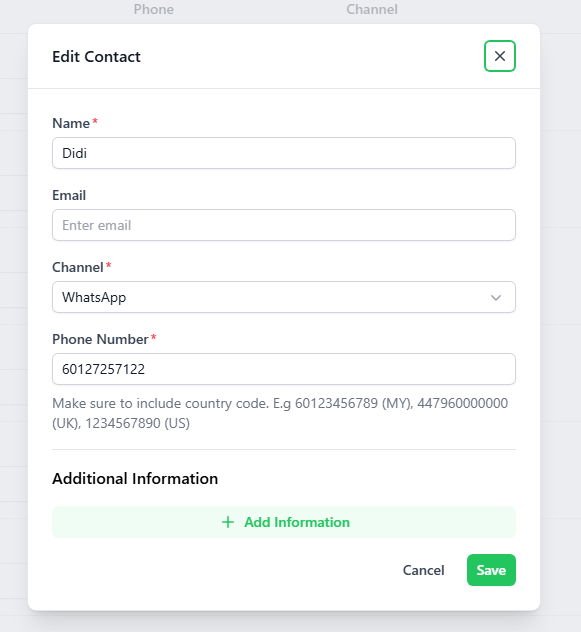
You may add additional information to a contact by using the Edit function, the “pencil” icon. However, you can't edit the group contact.
Alert : Please start with country code in front. Example , Malaysia : 60