2. Tickets
1. Finding Your Chats
ThisChats are sorted into simple categories:
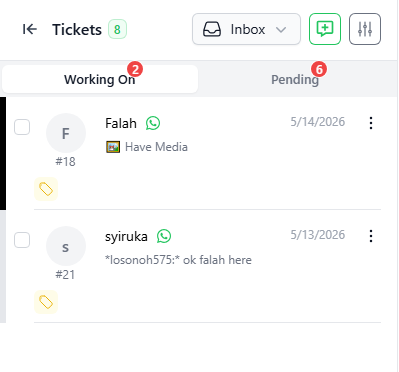
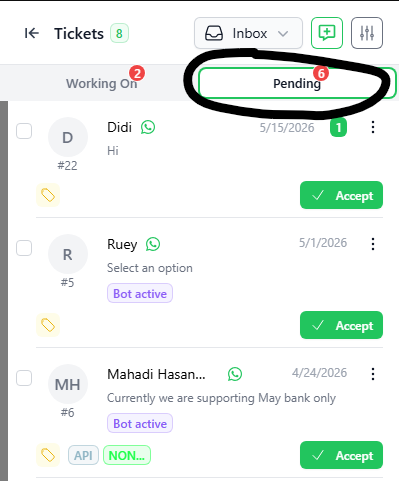
- Inbox: Your open chats. It has two parts:
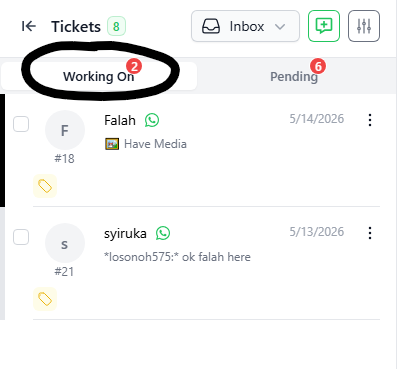
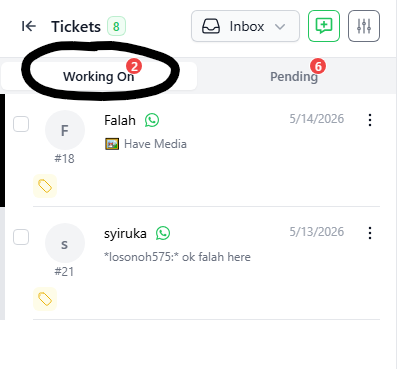
- Working On: Chats that a staff member is
the user interface to view and interact with incoming chats.Tickets/chats are grouped into 2 major categories:INBOX – display all new and open tickets. Tickets are subdivided into below categories:WORKING ON – open tickets thatalreadyhavetalkinguser attending to it.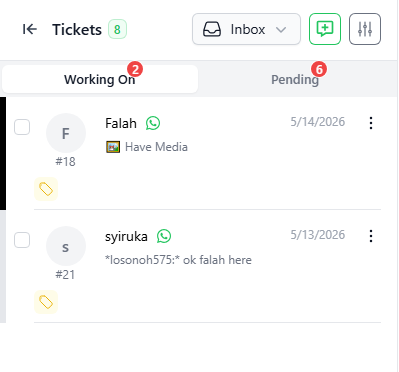
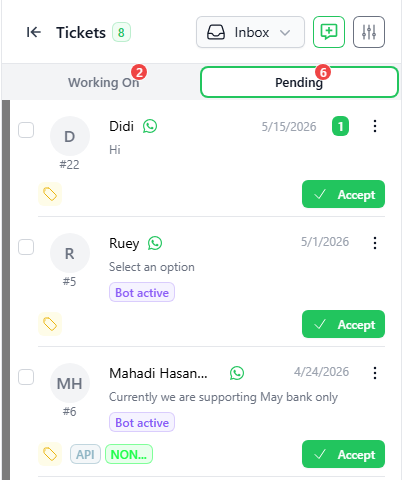
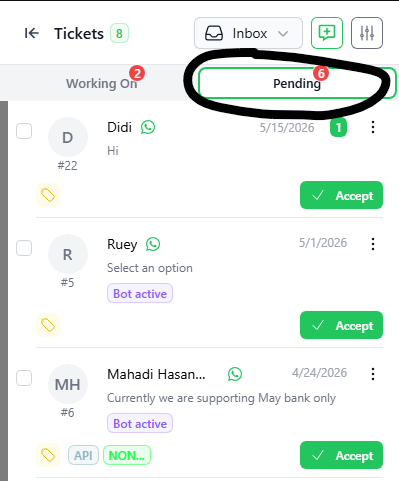
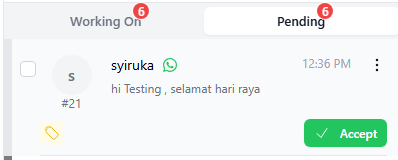
PENDING– new incoming tickets that have not been assigned to any user.
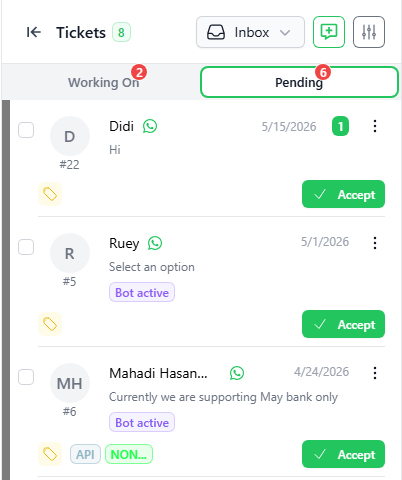
RESOLVEDPending–:displayNewallchatsticketswaiting for someone to answer.
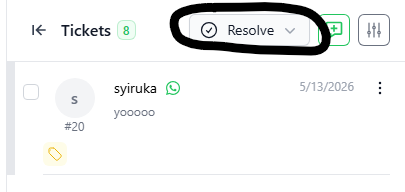
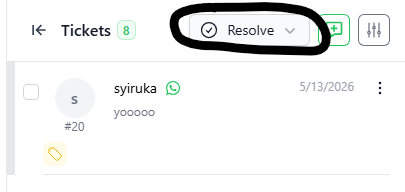
- Resolved: Chats that are
closed/resolved:finished and closed.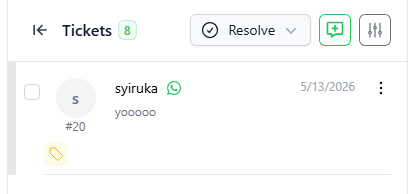
2. Searching for a Chat
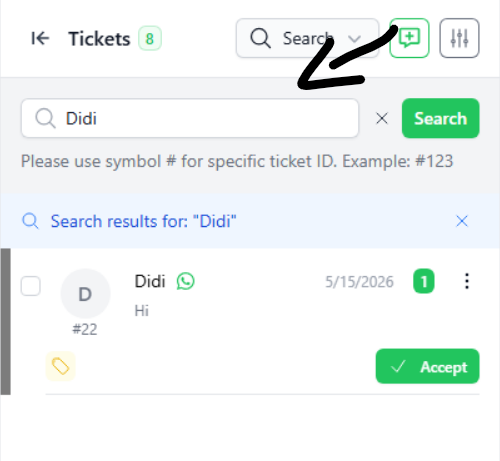
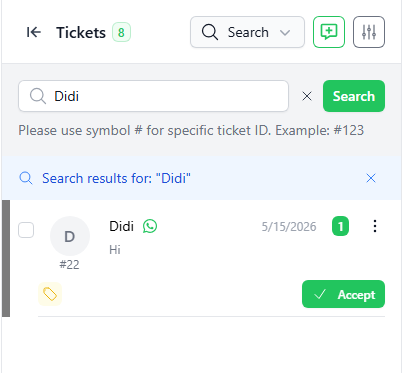
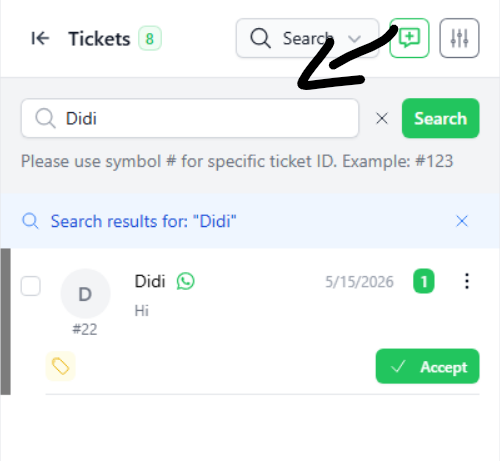
You may searchClick theticketsSearch(bothboxopenat the top.- Type a name or keyword and
closed) by keywords usingclick theSEARCHgreenfunction.Search button. - Tip: Type
#and the number (like#22) to find a specific chat ID
3. Answering a New Chat
All new
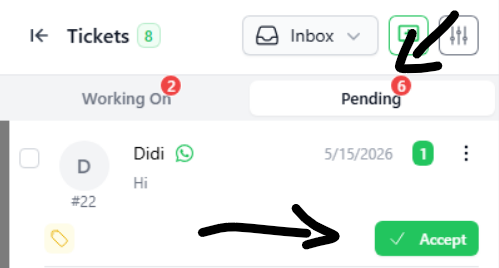
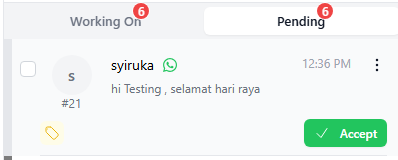
incomingchatschats/ticketsstartwill be displayed onin the“Pending” tab insideINBOXPending.tab.- Click the Pending tab.
- Find the chat you want to answer.
- Click the green Accept button.
- This moves the chat to the Working On tab and opens the chat screen.
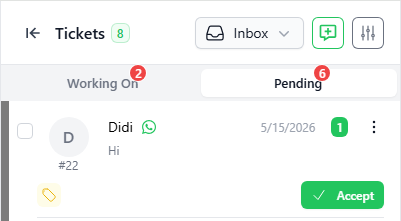
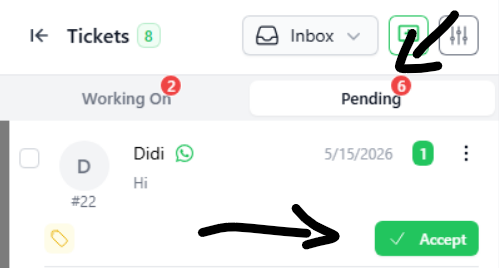
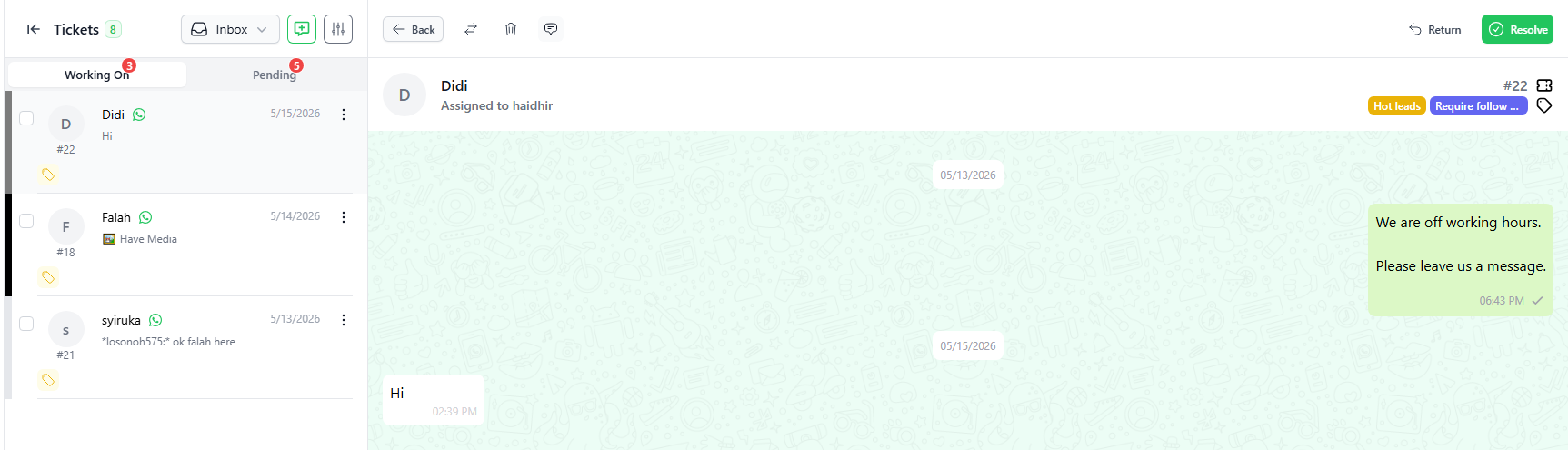
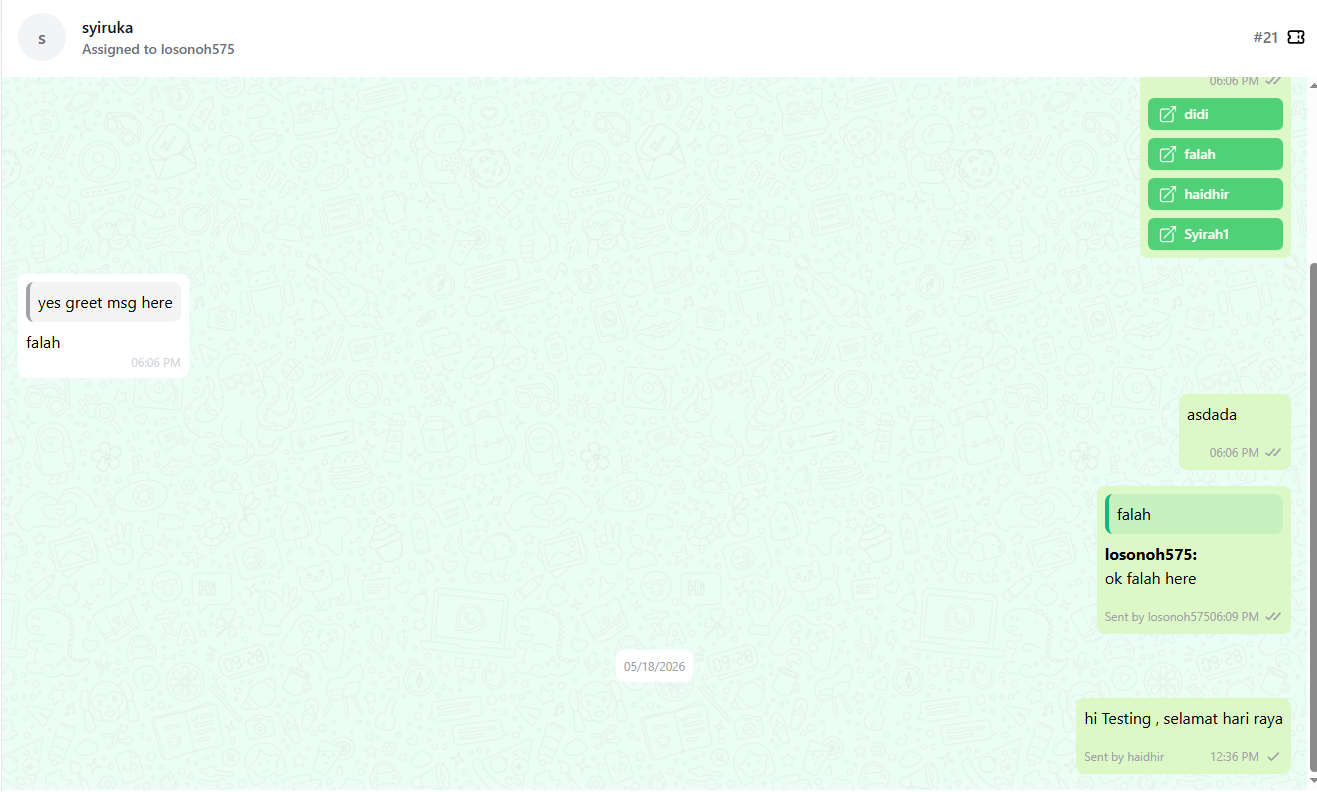
- Click on the “ACCEPT” button to accept the ticket and the full chat window will be opened as per the below screenshot.
- The ticket will be moved from the “PENDING” tab to the “WORKING ON” tab.
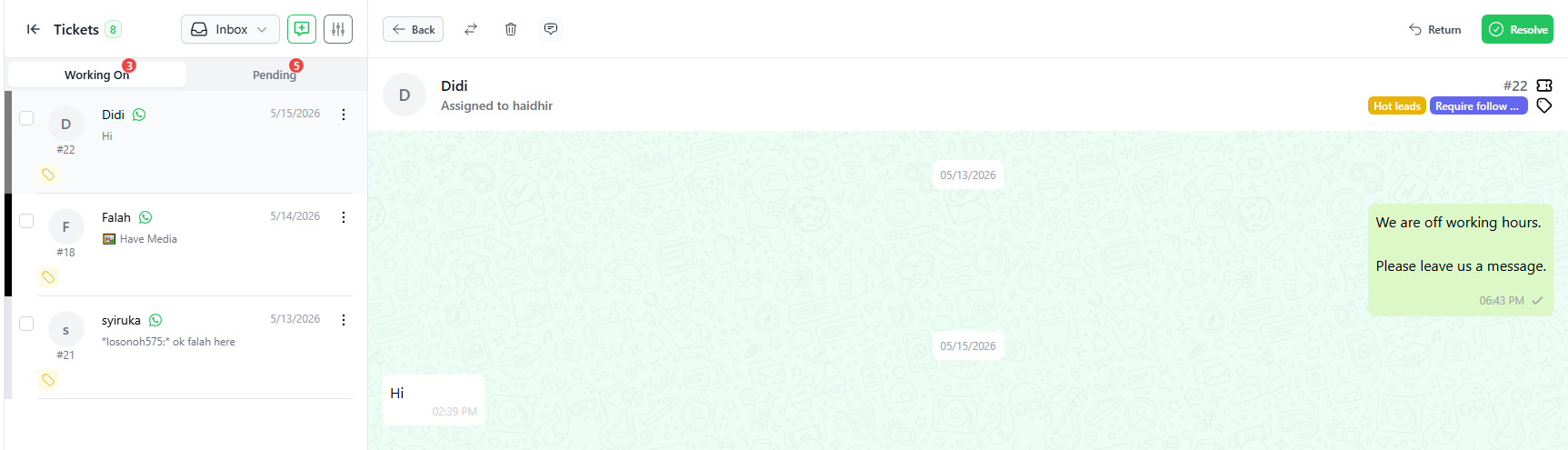
- The user may chat with the contact and all chat will be displayed in the chat window.
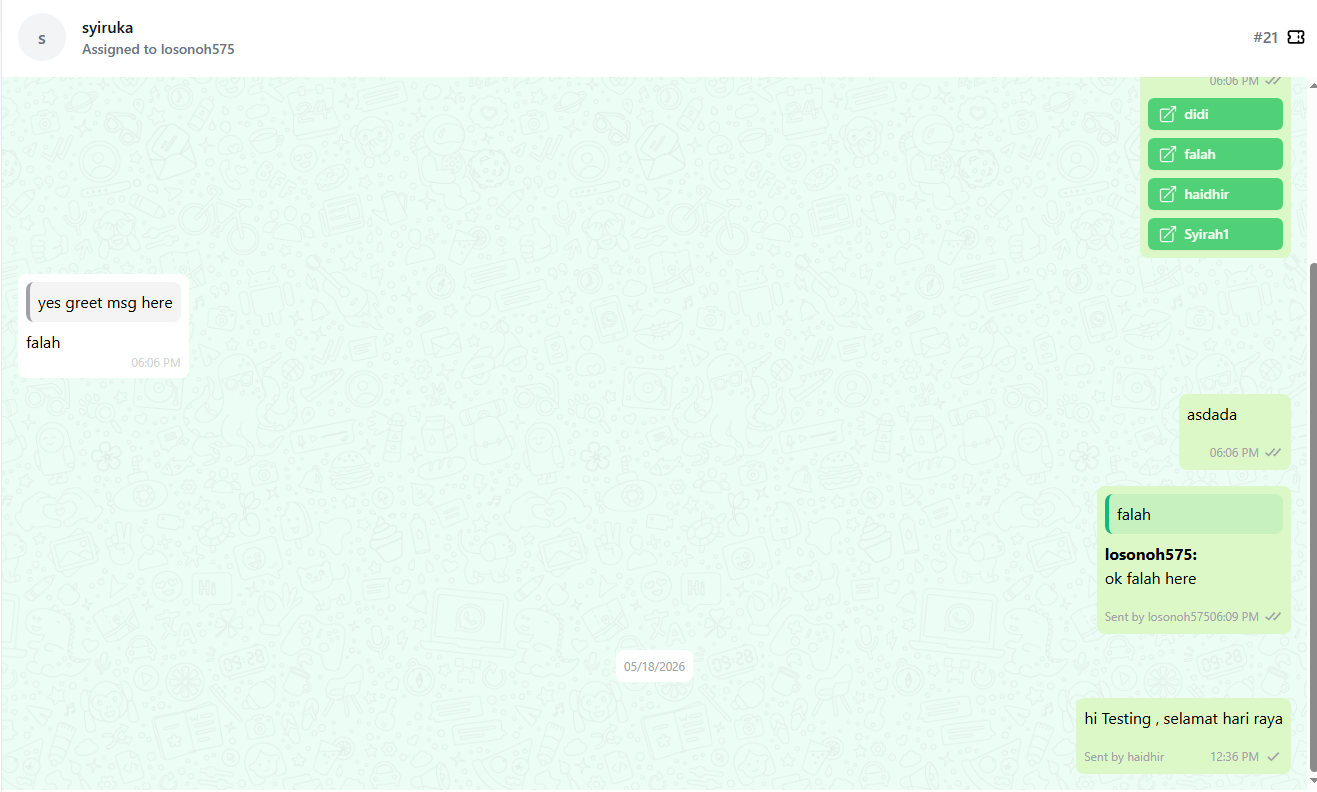
- If the “Sign” function is switched on, the user’s name will be displayed in the chat when the user replies to a customer.
- As you can see from the screenshot below, if more than one user/staff attends to a ticket, the system will display more than one name in the chat history
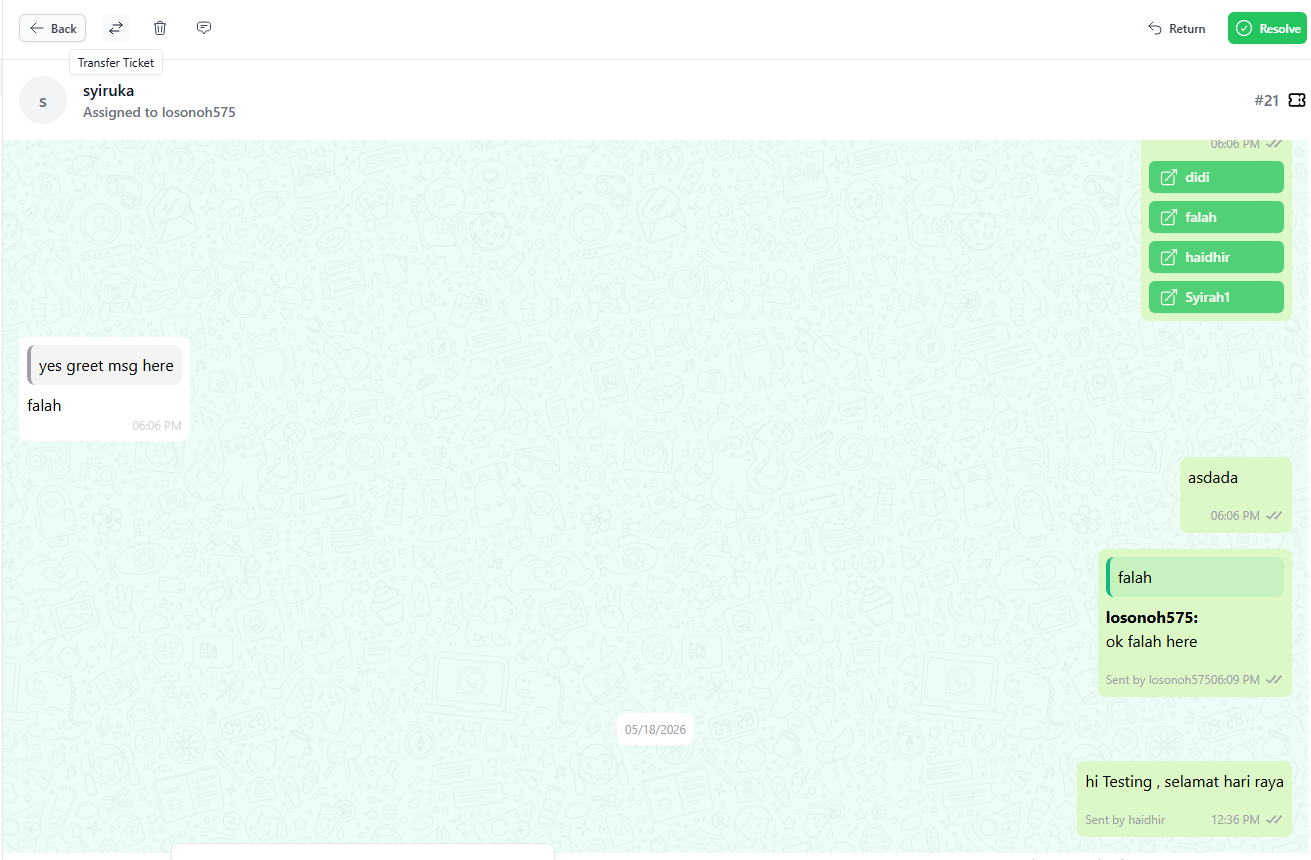
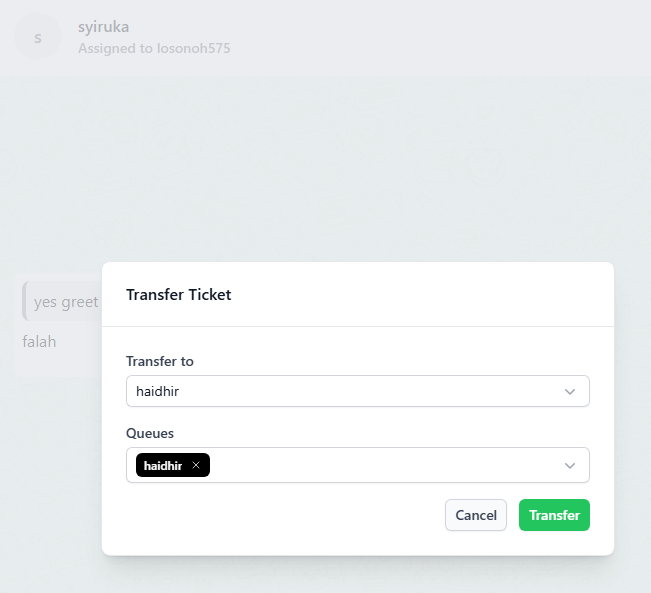
- An open ticket can be transferred to another user by using the Transfer function. Click on the “-⇄” on the top-left corner of the chat window.
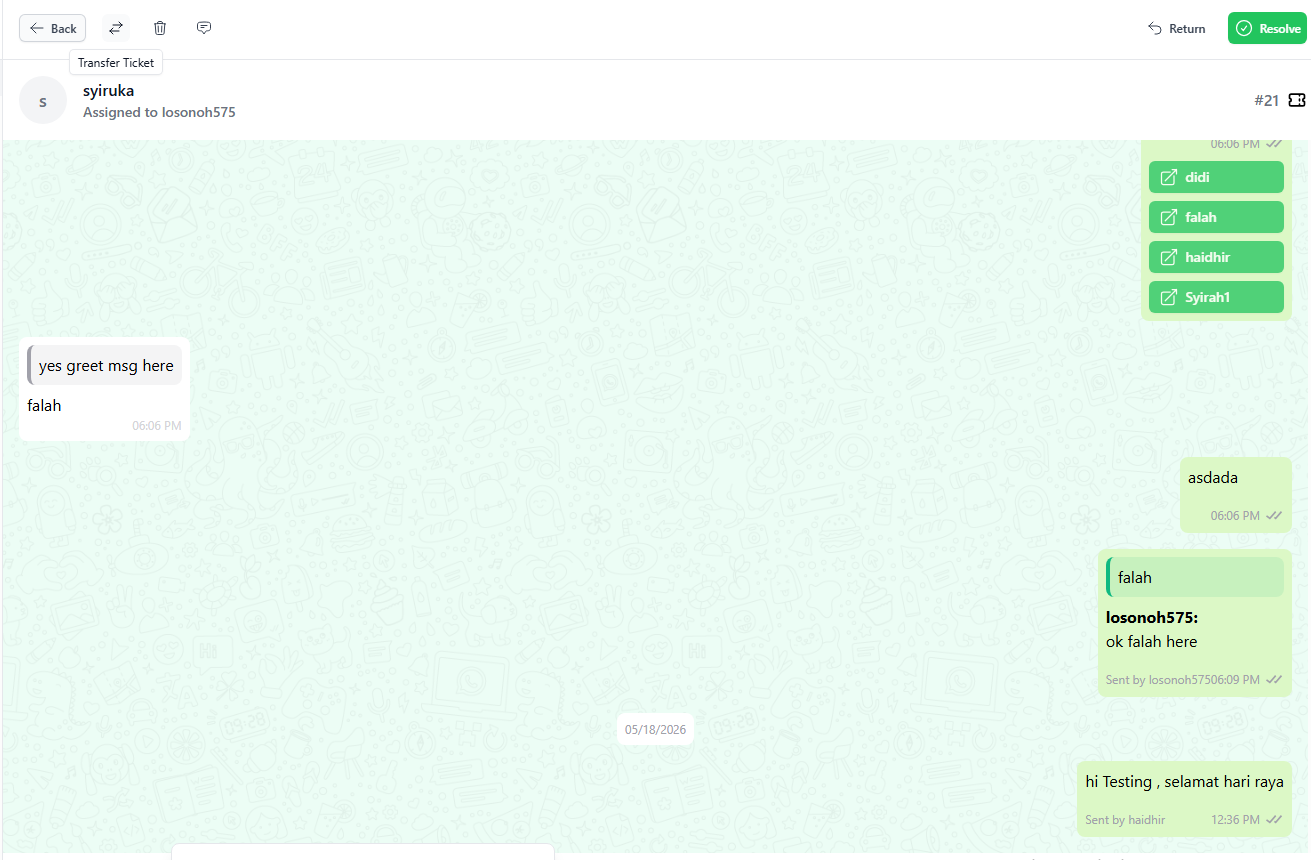
- The delete button (🗑) is used to delete the ticket
- The Mark as unread button (💬) will change the ticket from read status to unread.
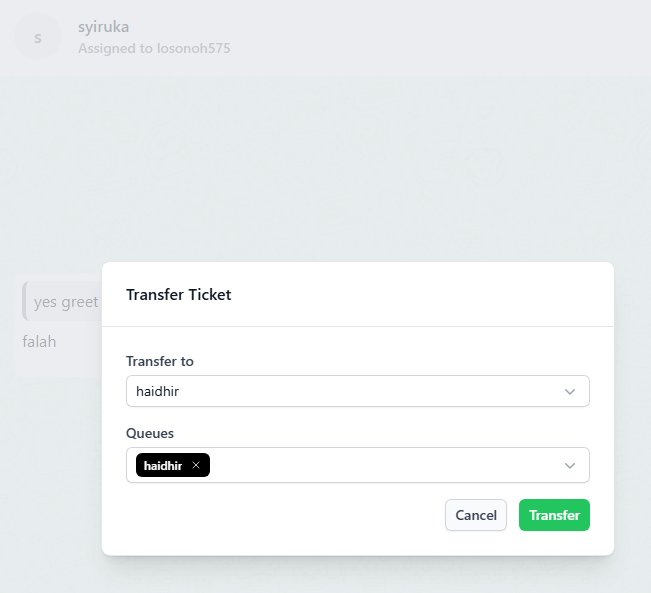
- Type the staff name to search for the staff to whom the ticket is to be assigned and click “TRANSFER”.
- You may transfer a ticket from one queue to another queue during the transfer
- Clicking on the “RETURN” button will return the ticket to the open “PENDING” for other available users to pick-up the ticket

- Working On: Chats that a staff member is