2. Tickets
This is the user interface to view and interact with incoming chats.
Tickets/chats are grouped into 2 major categories:
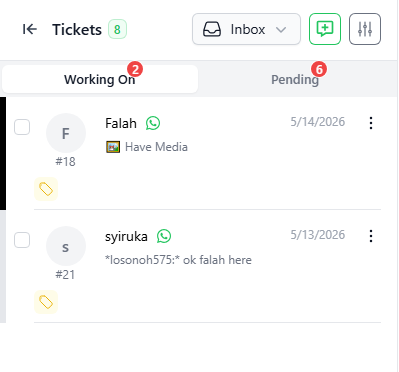
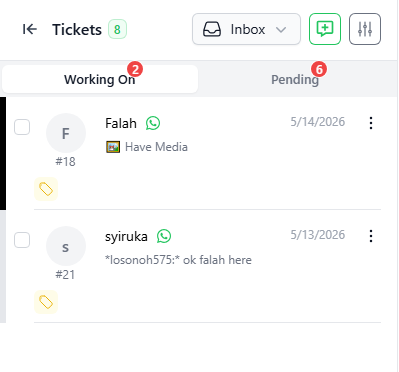
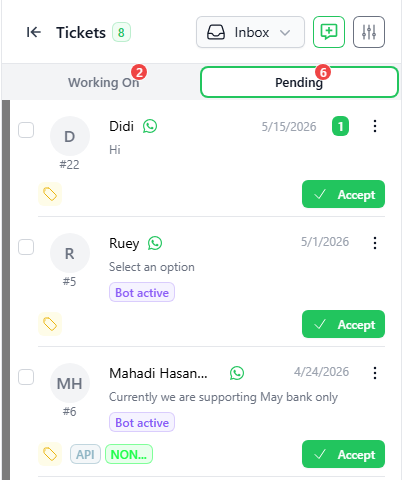
- INBOX – display all new and open tickets. Tickets are subdivided into below categories:
- WORKING ON – open tickets that already have user attending to it.
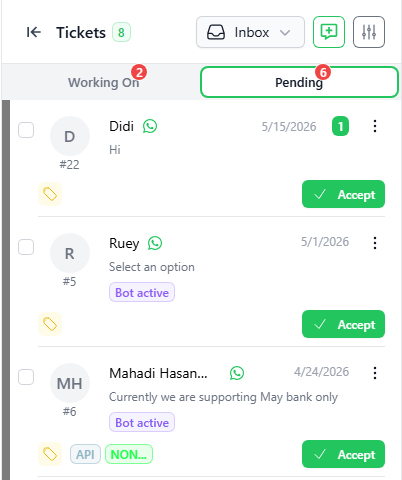
- PENDING– new incoming tickets that have not been assigned to any user.
- WORKING ON – open tickets that already have user attending to it.
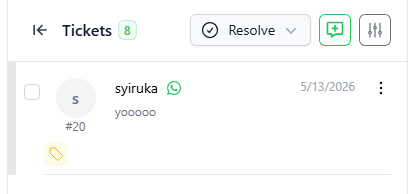
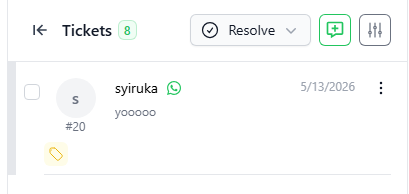
- RESOLVED – display all tickets that are closed/resolved:
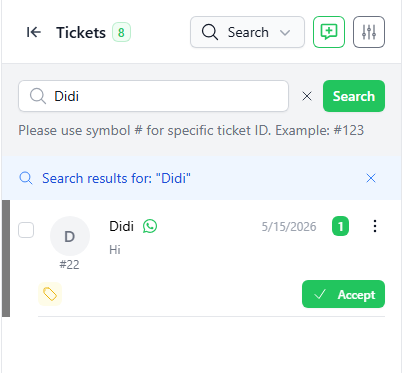
You may search the tickets (both open and closed) by keywords using the SEARCH function.