
7. Background Jobs
The Background Job is where you can view the processes happening behind the scenes in Outreach, giving you a general overview of all activities.
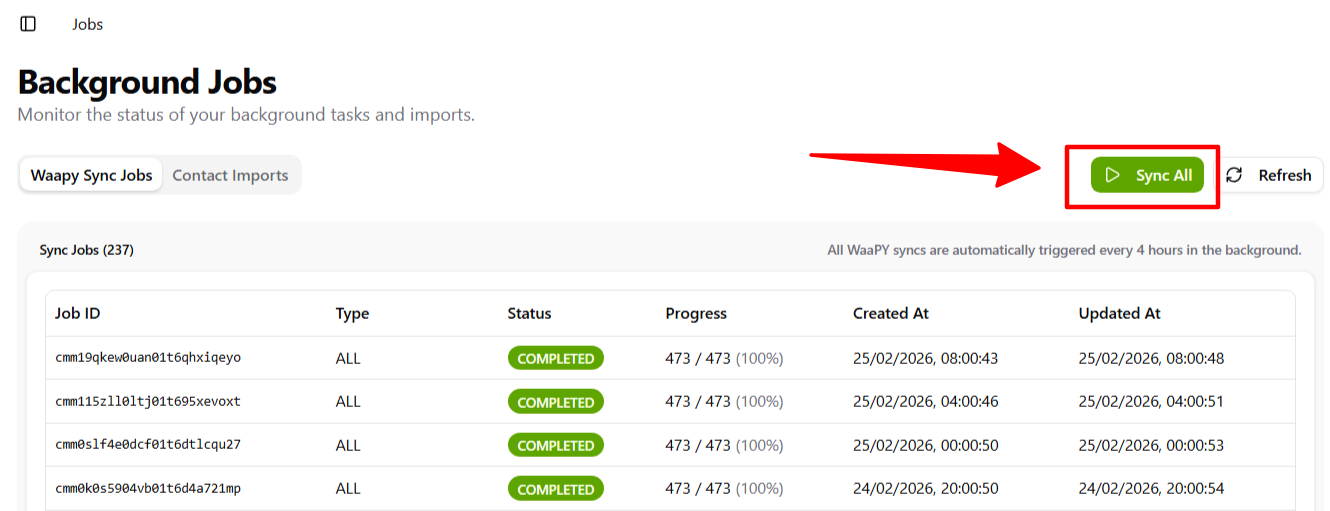
1. You can press the 1.Sync All button to trigger all related processes in Outreach.
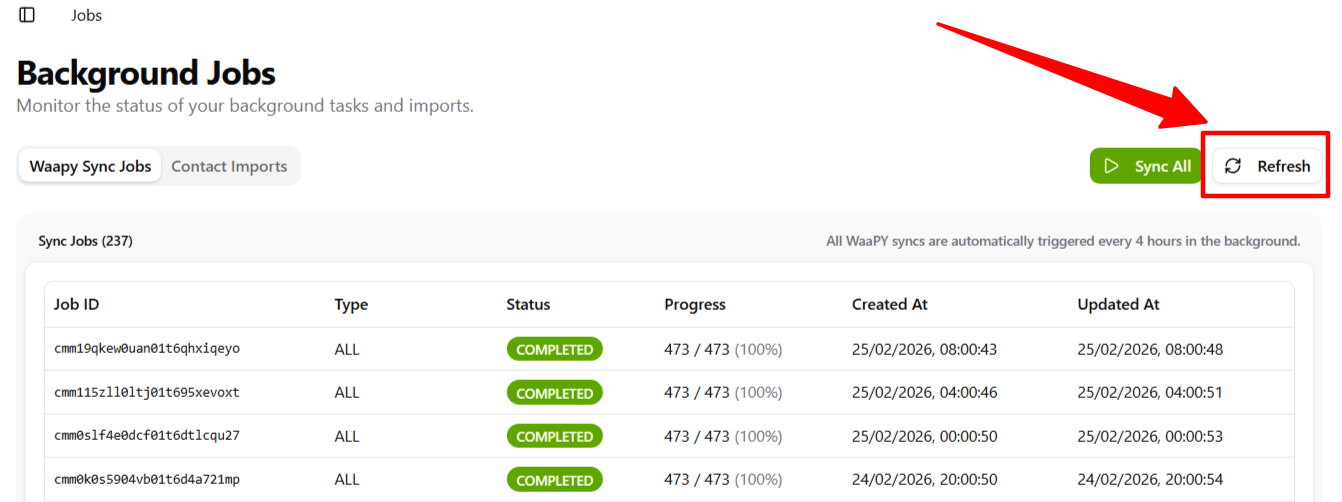
2. You can refresh the Background Job page if you’ve already pressed the Sync All button, to reload the latest updates.
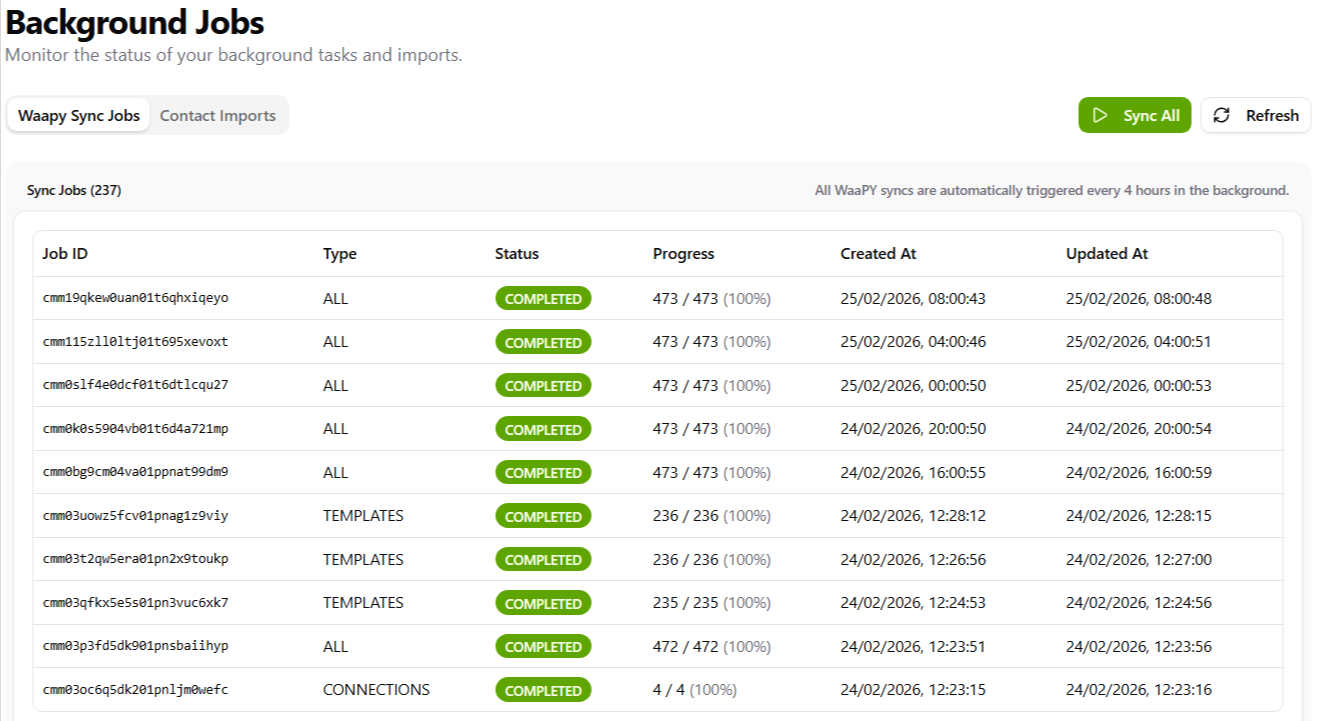
3. You can view the list of all processes that have occurred in Outreach.
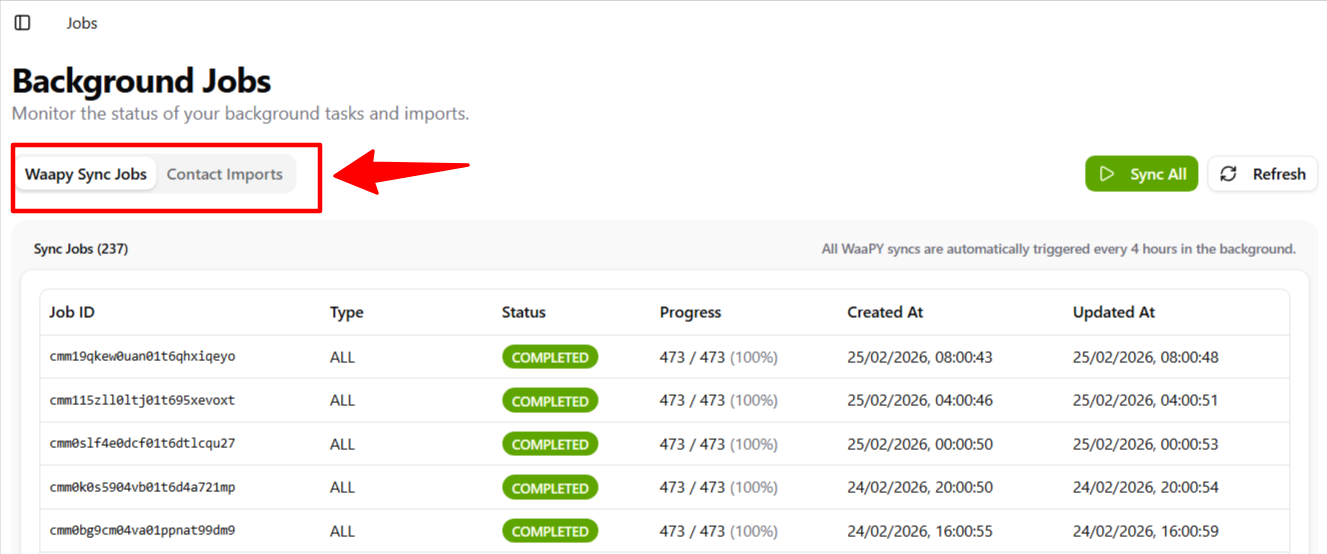
4. You can filter the processes to show either Waapy Outreach Sync Jobs or Contact Imports.
5. You can check the imported contacts in the Contact List here to see the status of each import process.
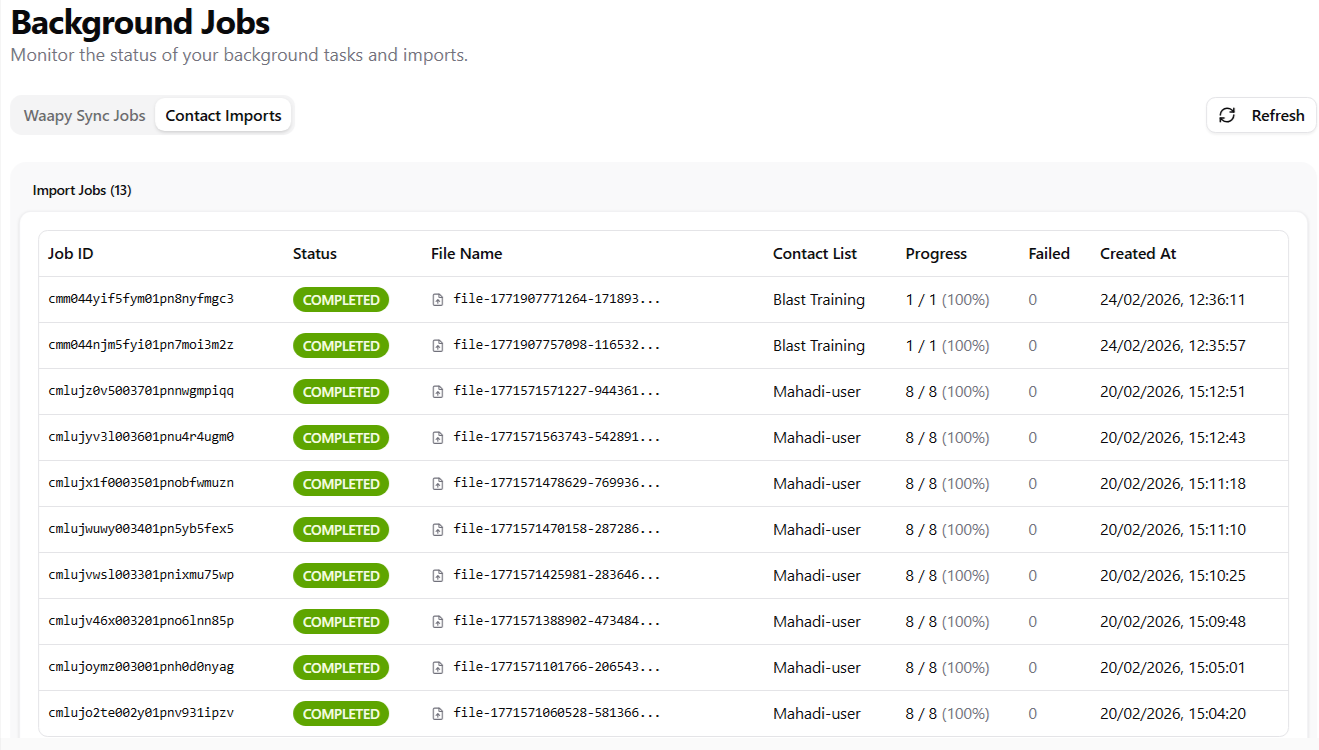
If background job late to capture the contact imports processes , can click button Refresh to load the latest processes.