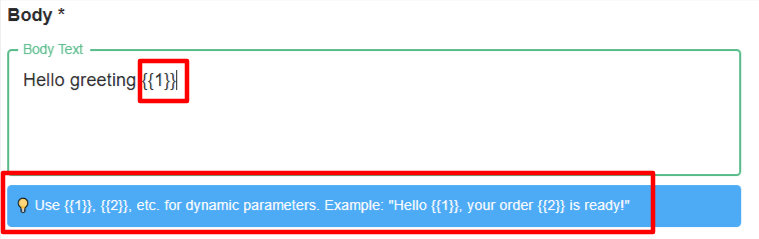
4. Templates
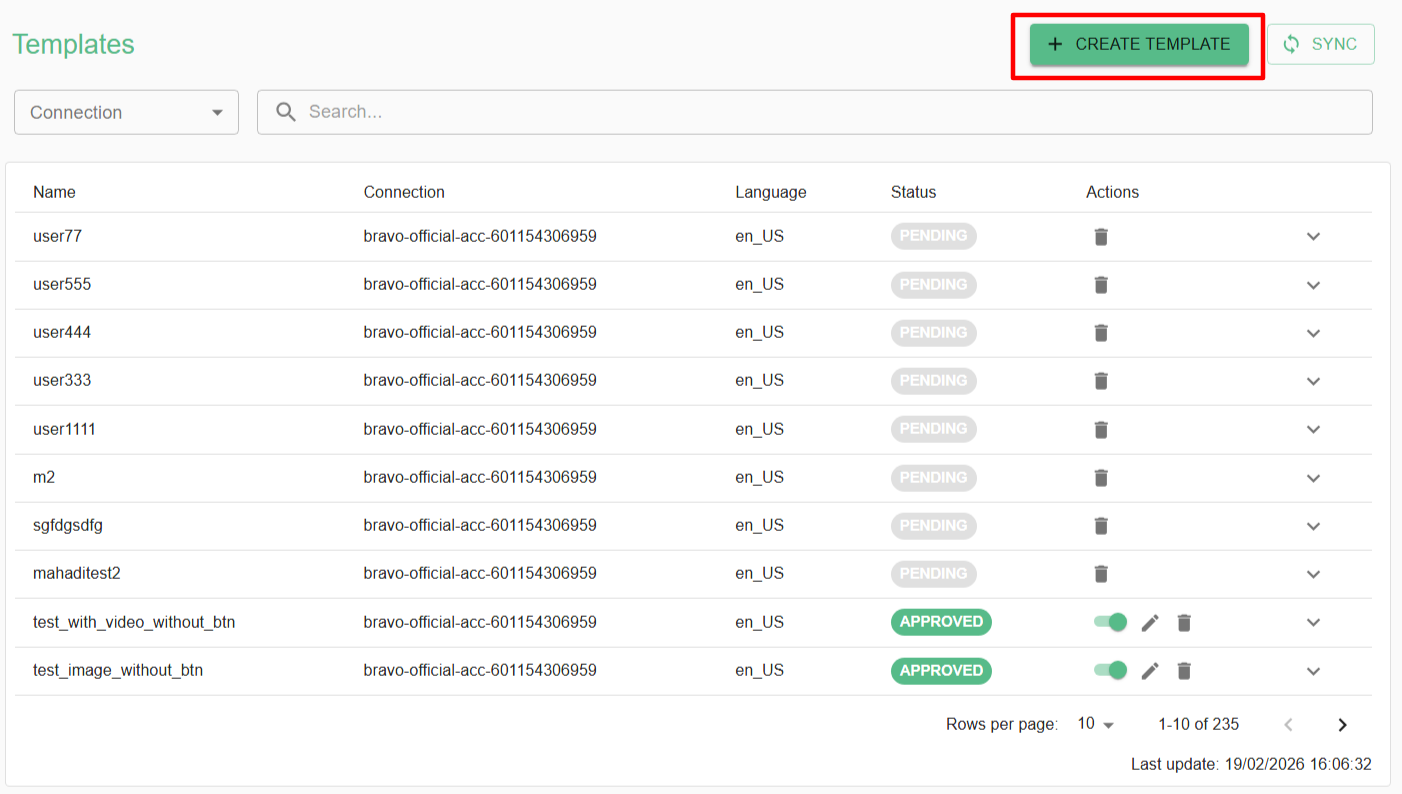
Step 1 :
- Create a template on Templates page
Step 2 :
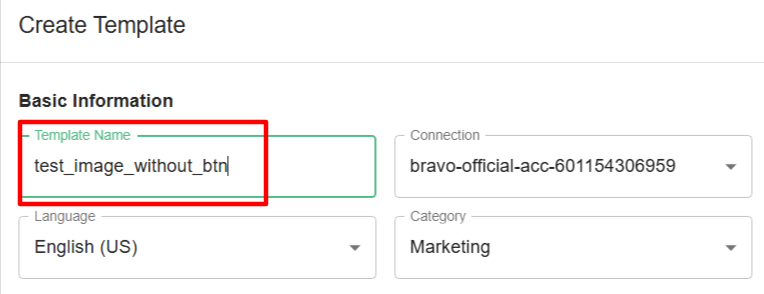
- Name the template you want to create
Template's Name must be lowercase, start with letter, and contain only letters, numbers, and underscores
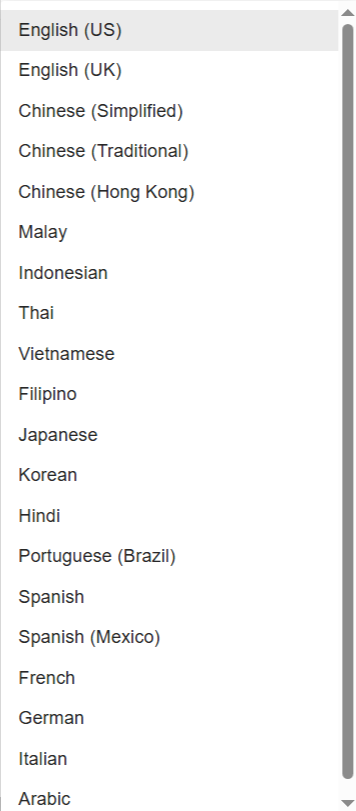
- For the language part you can choose depend on your templates content , if you want to create Malay content then you can select as Malay language
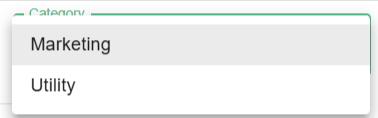
- For the category is depend on you to place your template under Marketing or Utility category
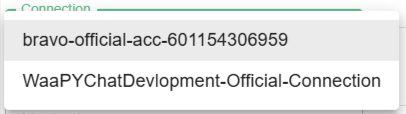
- Choose the connection
Step 3 :
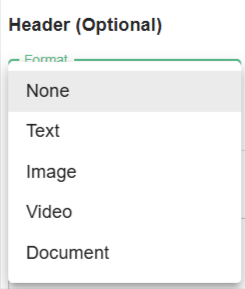
- Then , you can add Title and you can attach Image , Video and Documents to be your Header of the template content
Step 4 :